
Create pages. Activate experiences.
Real sites, designed visually.
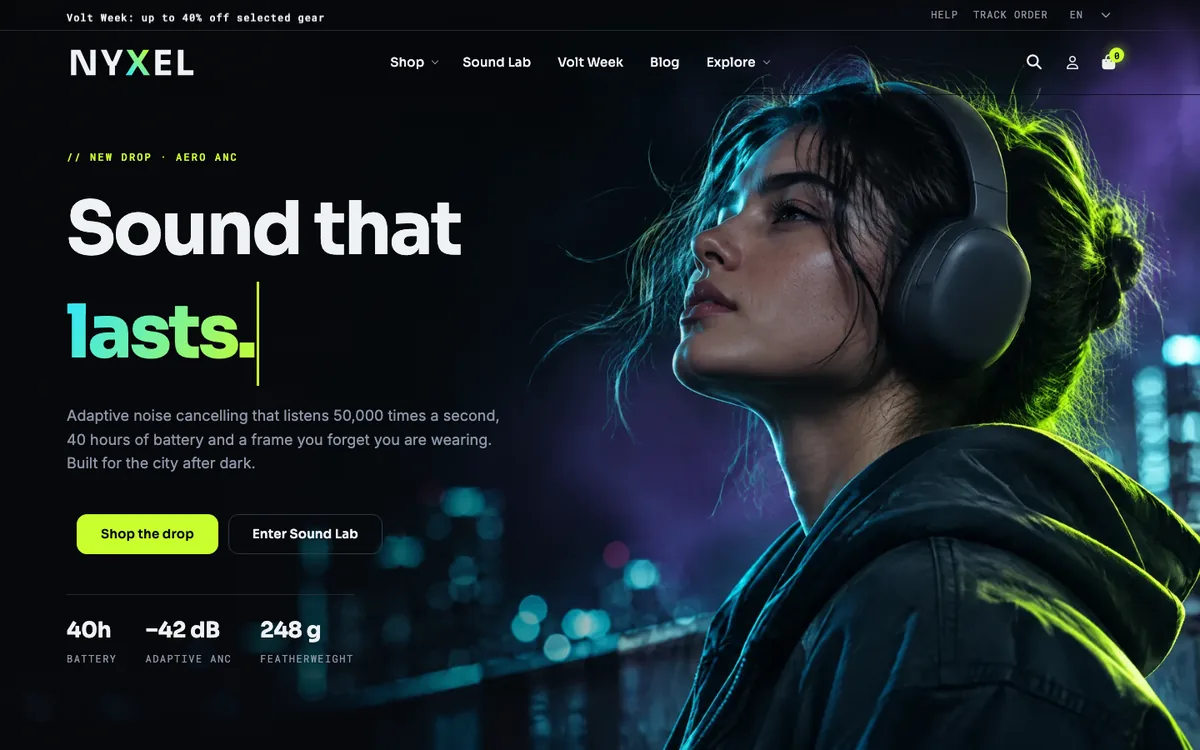
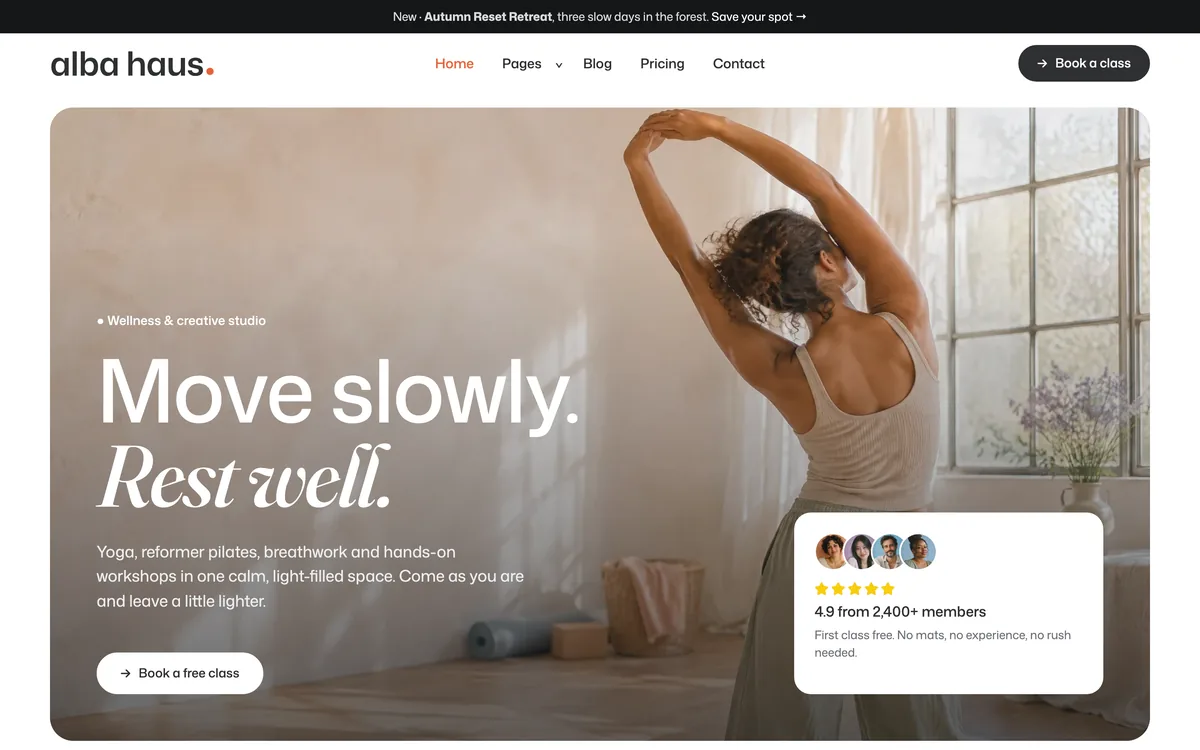
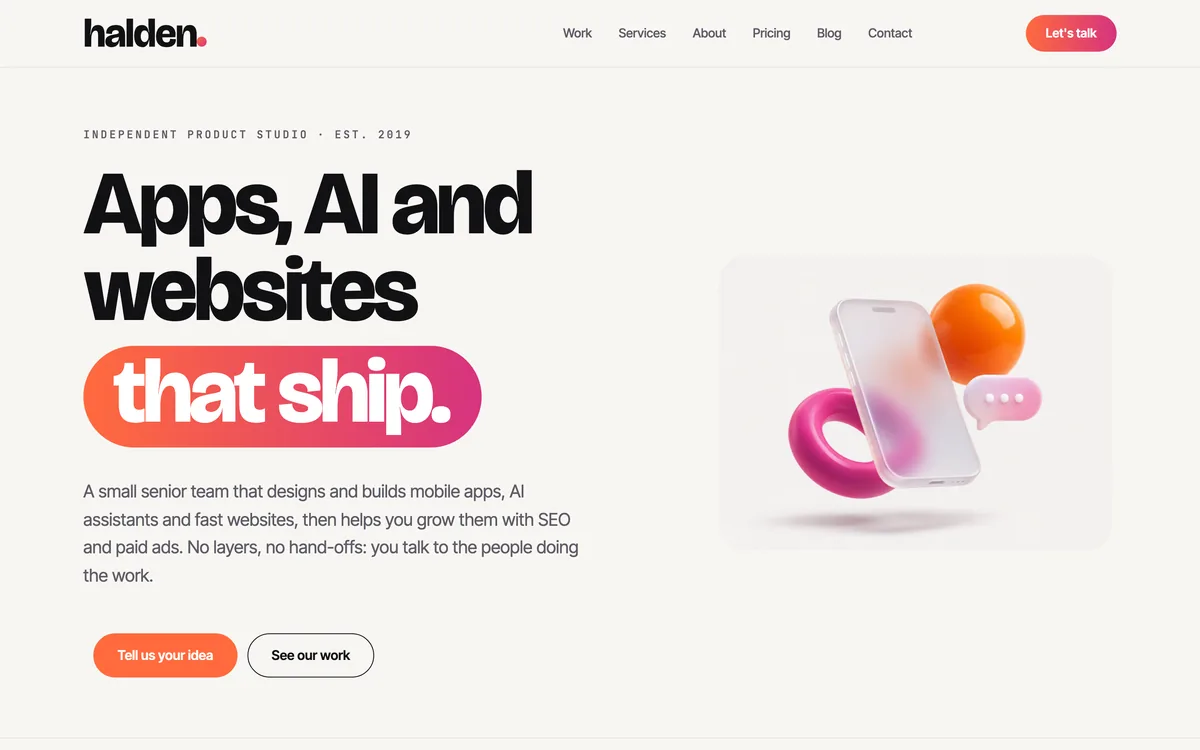
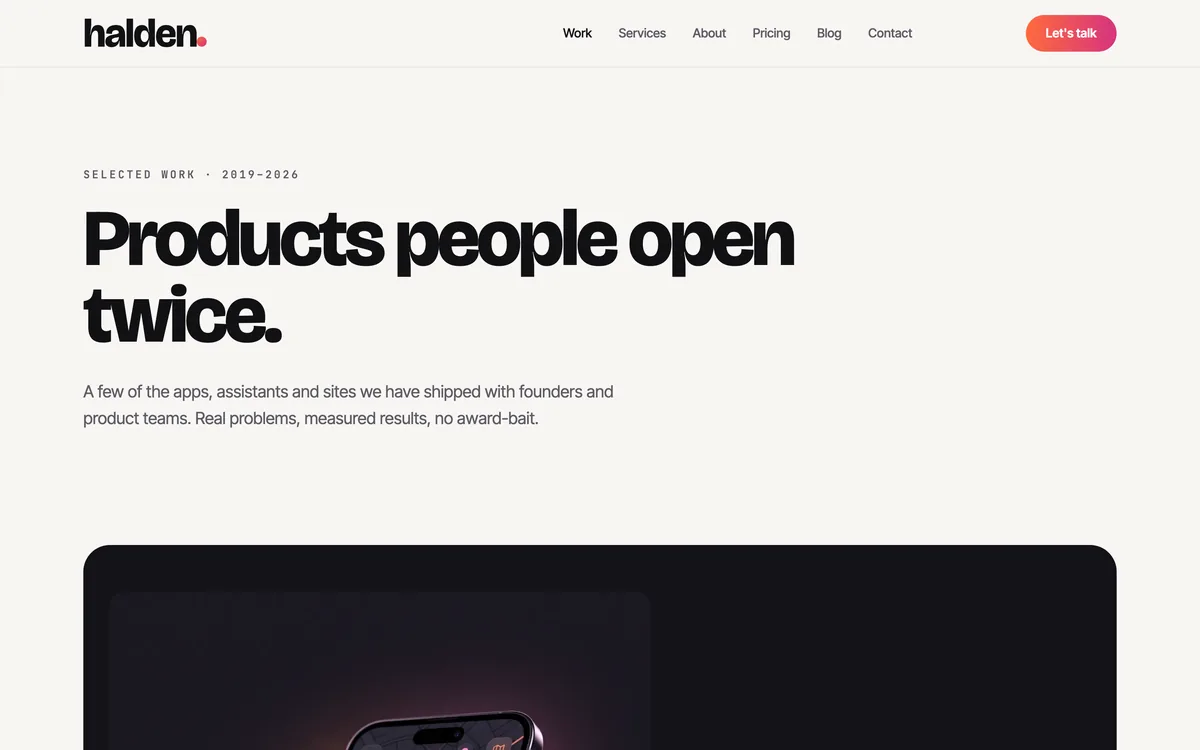
If it lives in Drupal, you can design it.
Pages that look designed.
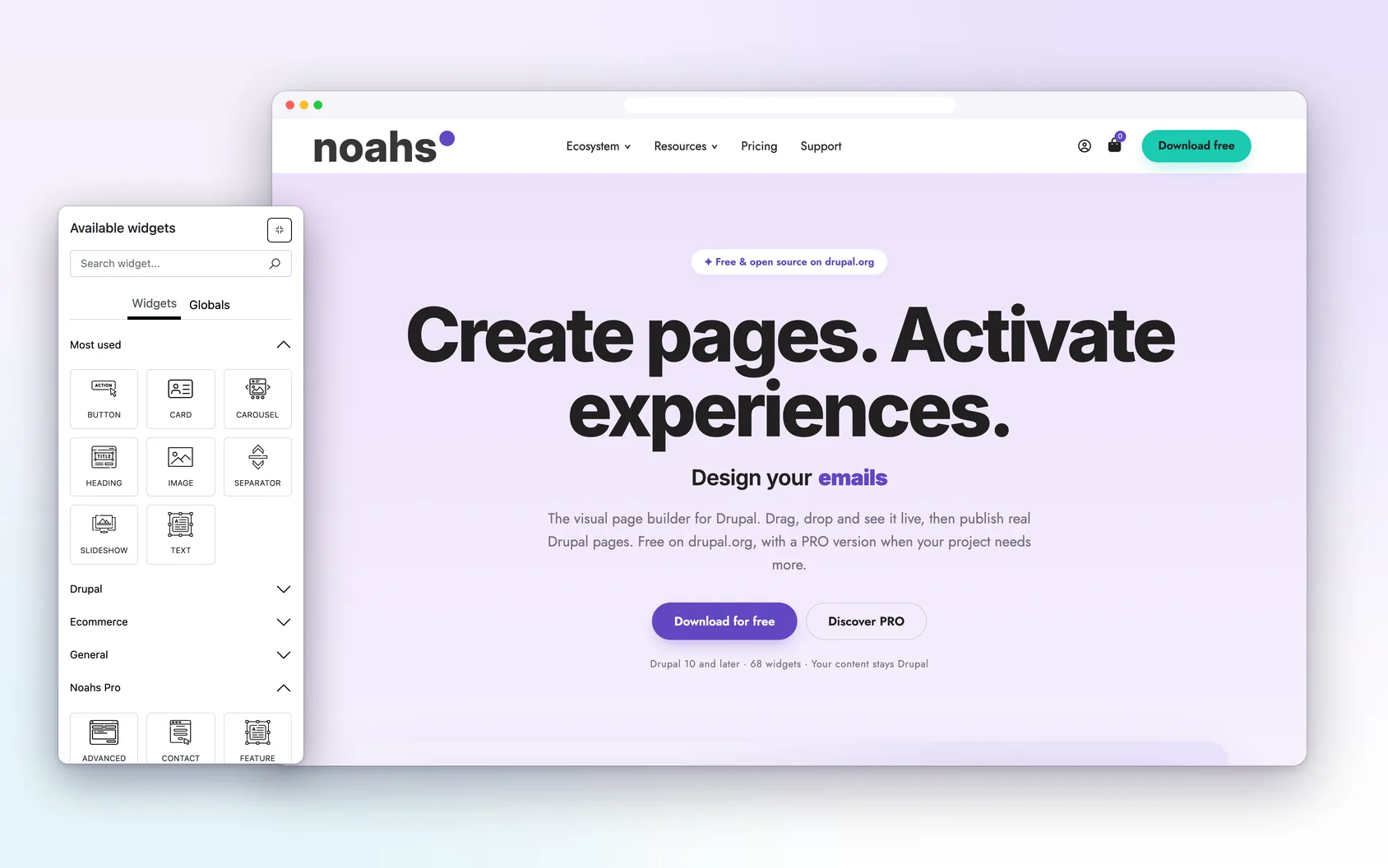
The right message, right on time.
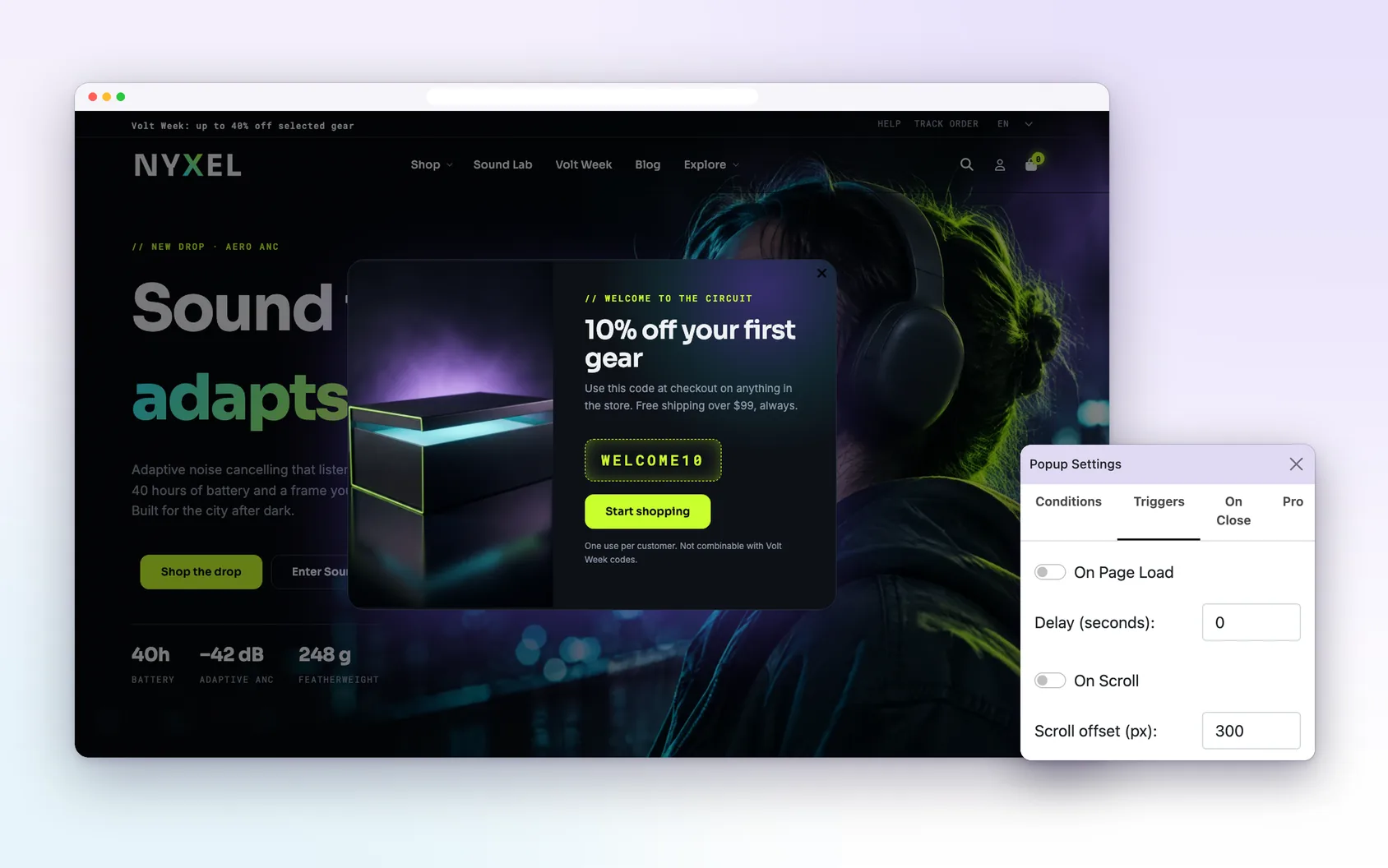
Every detail, your way.
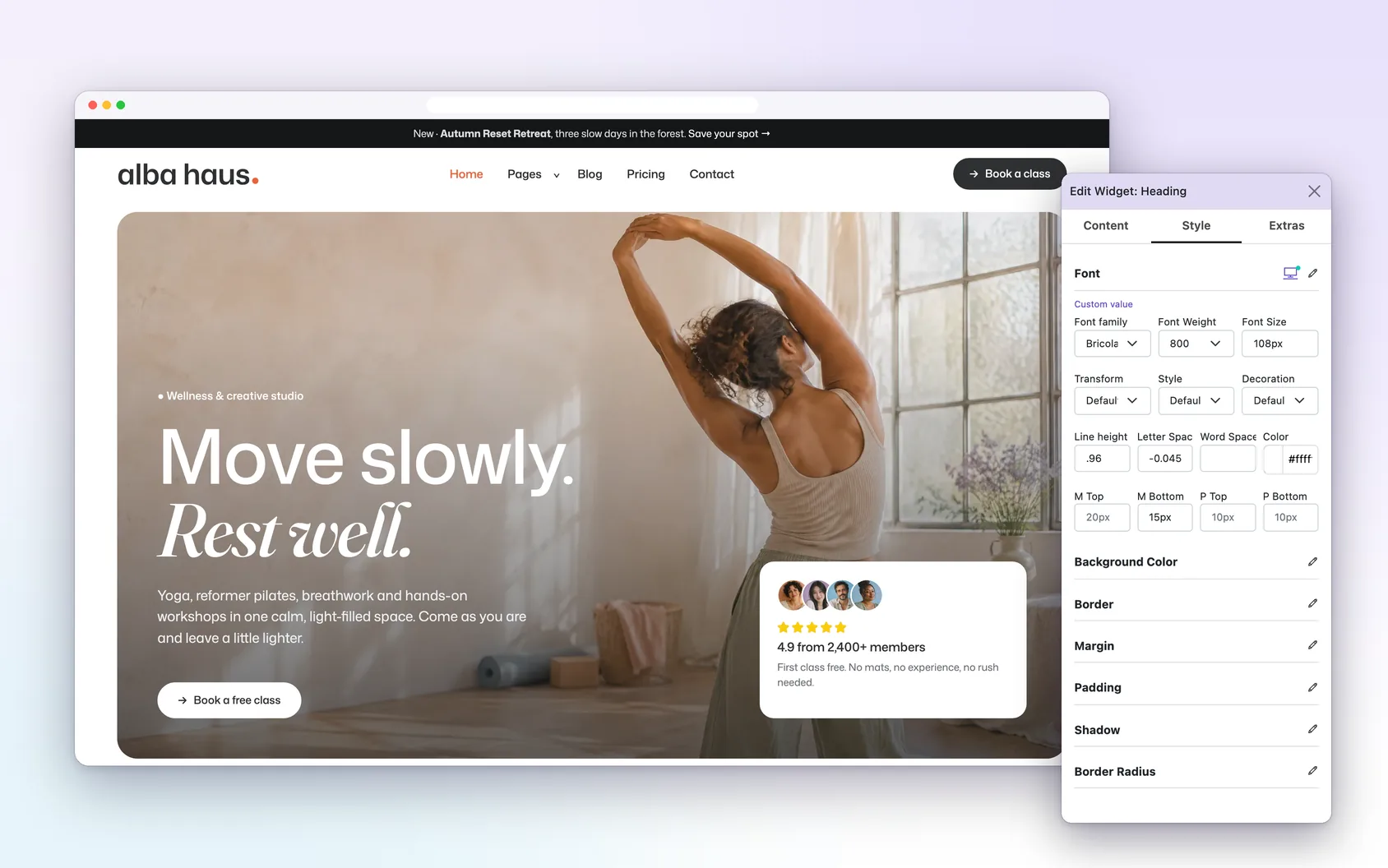
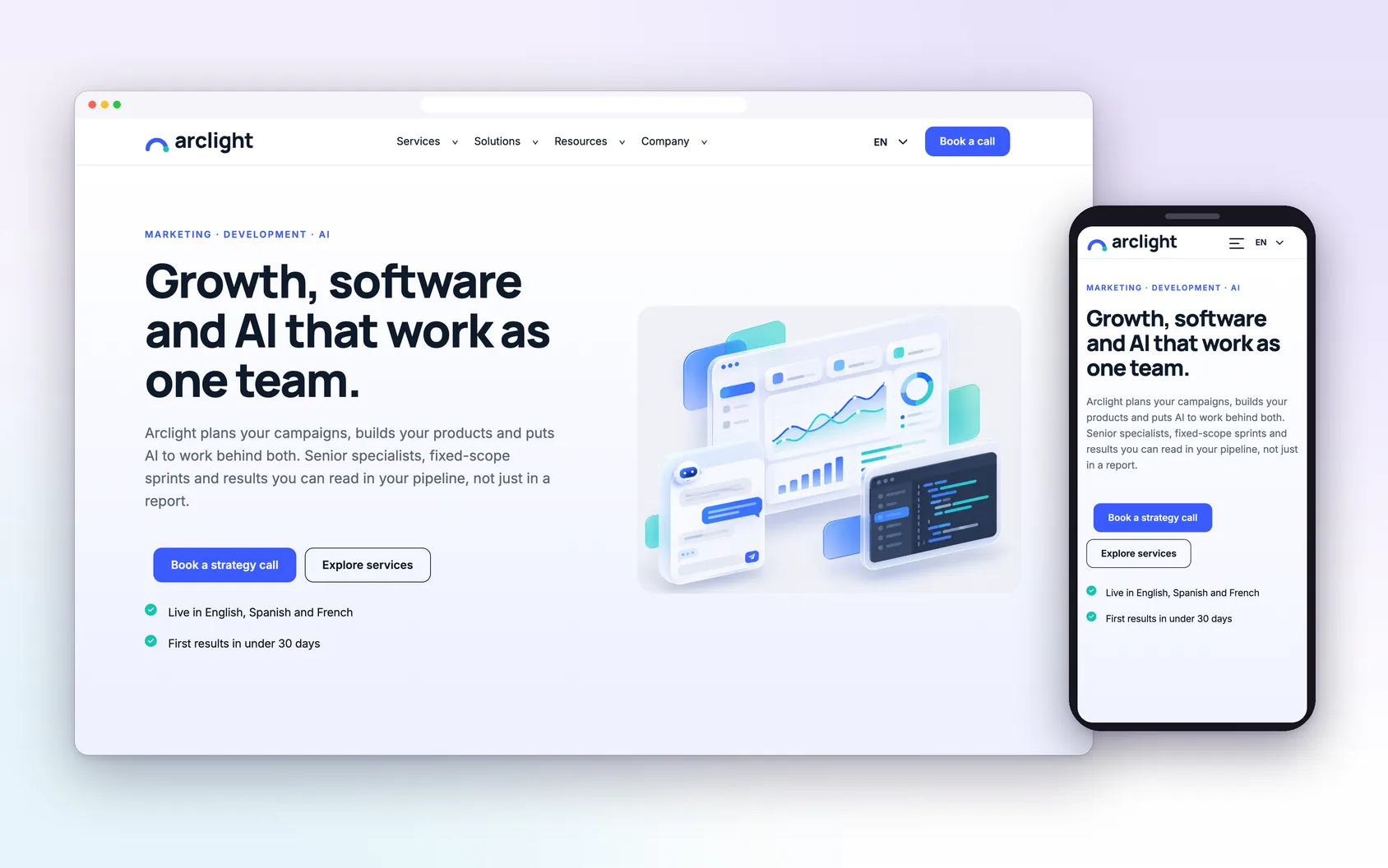
Perfect on every screen.
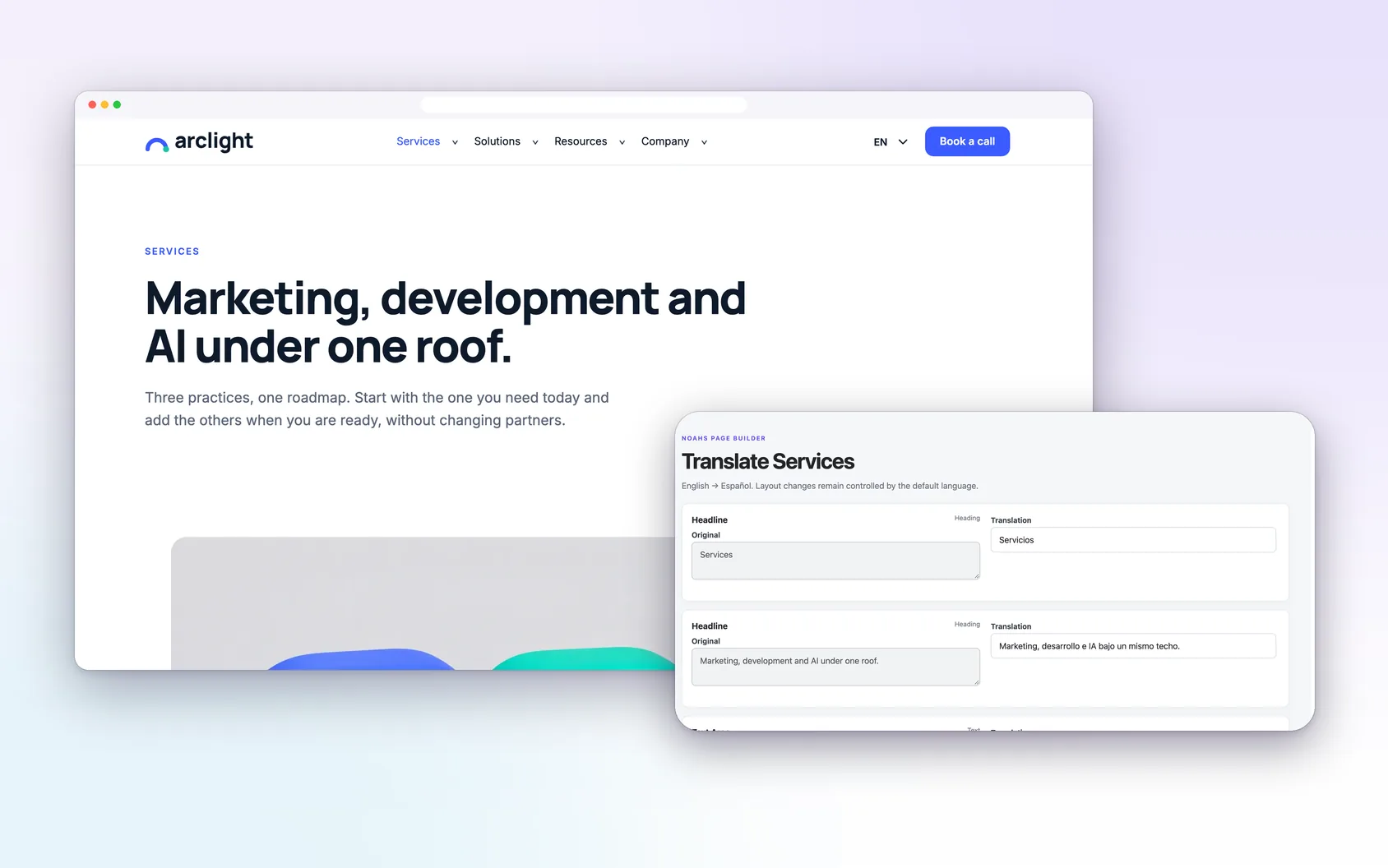
Every language, one layout.
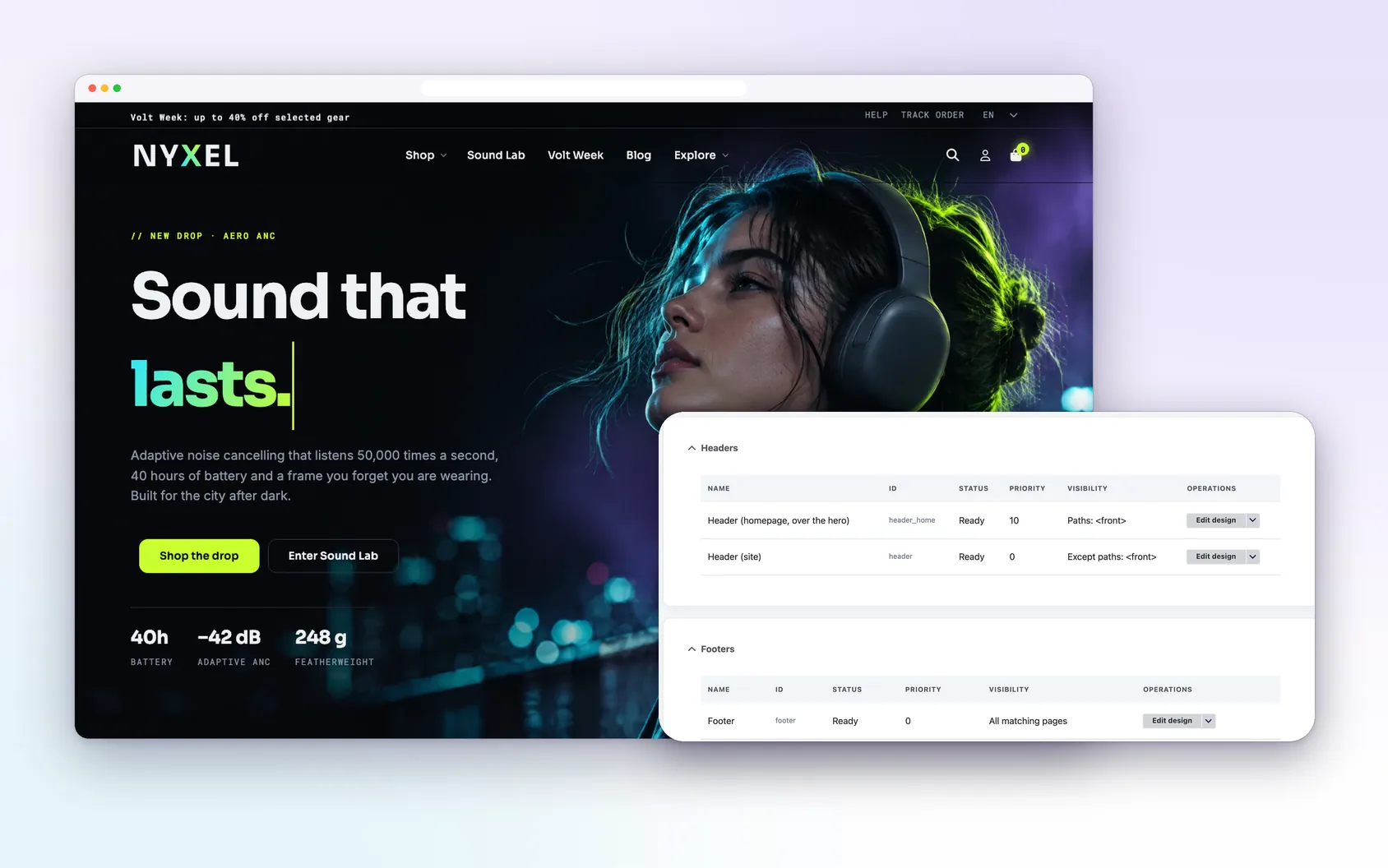
Header, footer and templates.
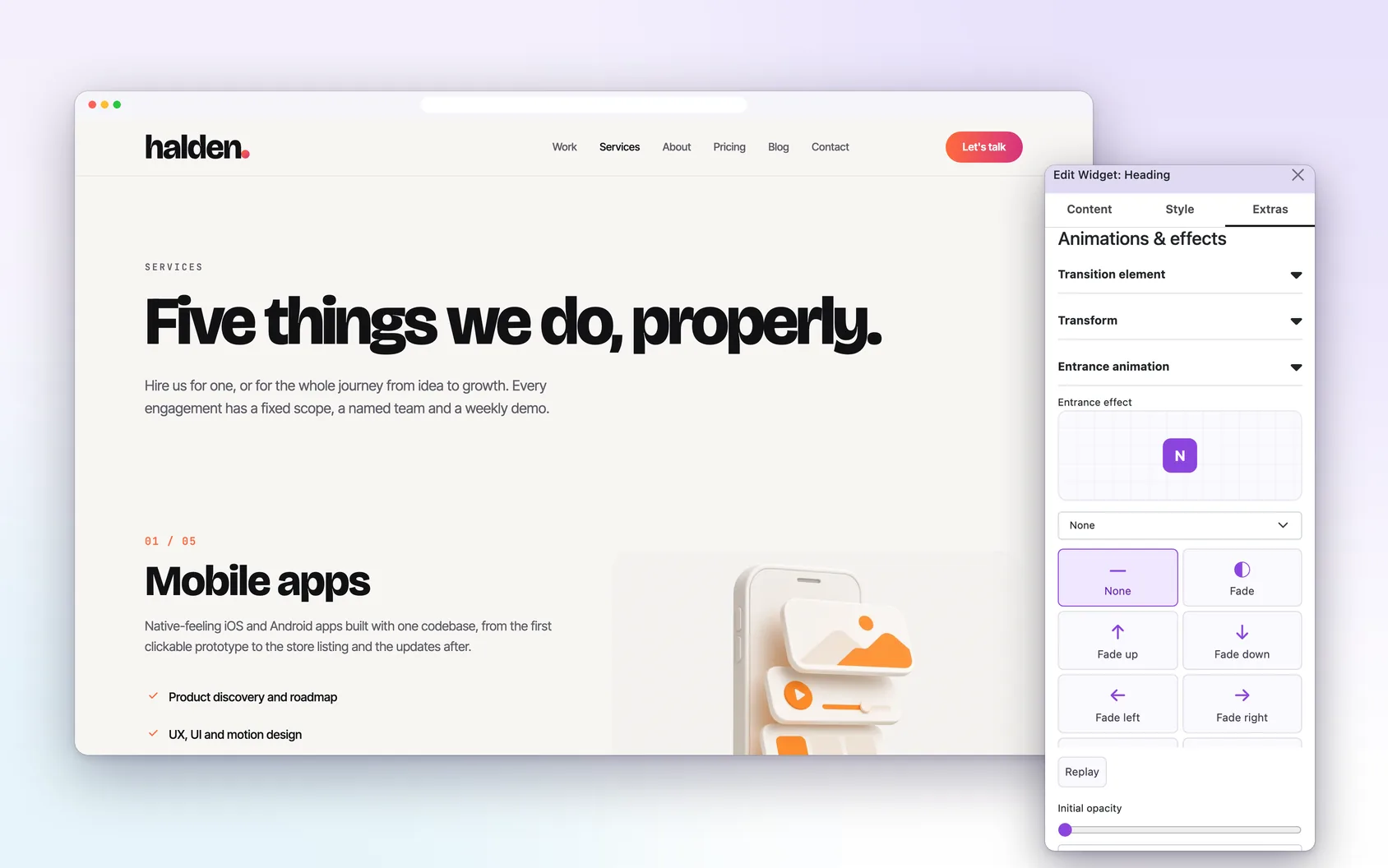
Motion that tells the story.
Build visually. Publish in Drupal.
Nodes, blocks, products and taxonomy terms
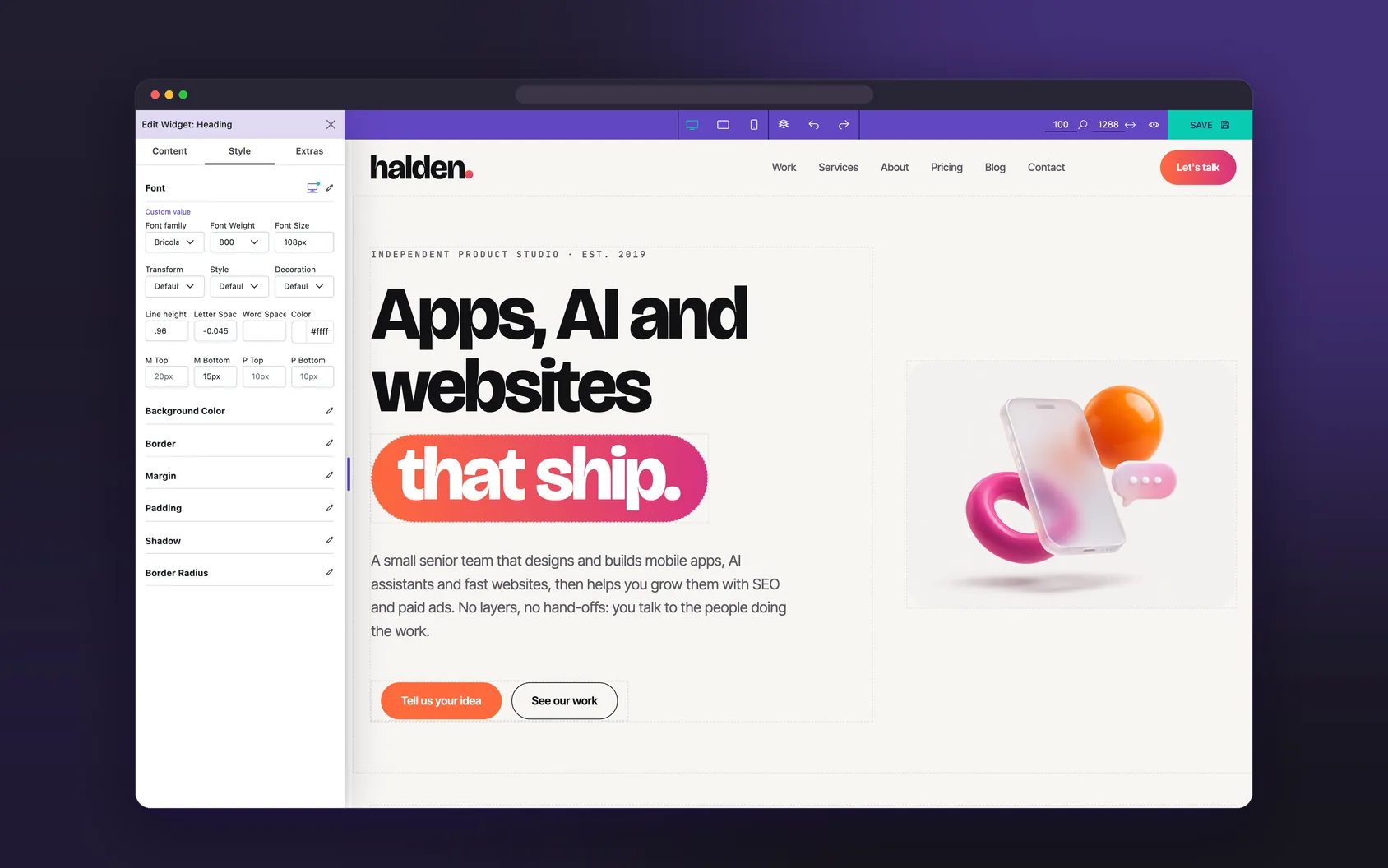
Desktop, tablet and mobile settings on every element
Embed Views, blocks, fields and forms you already have
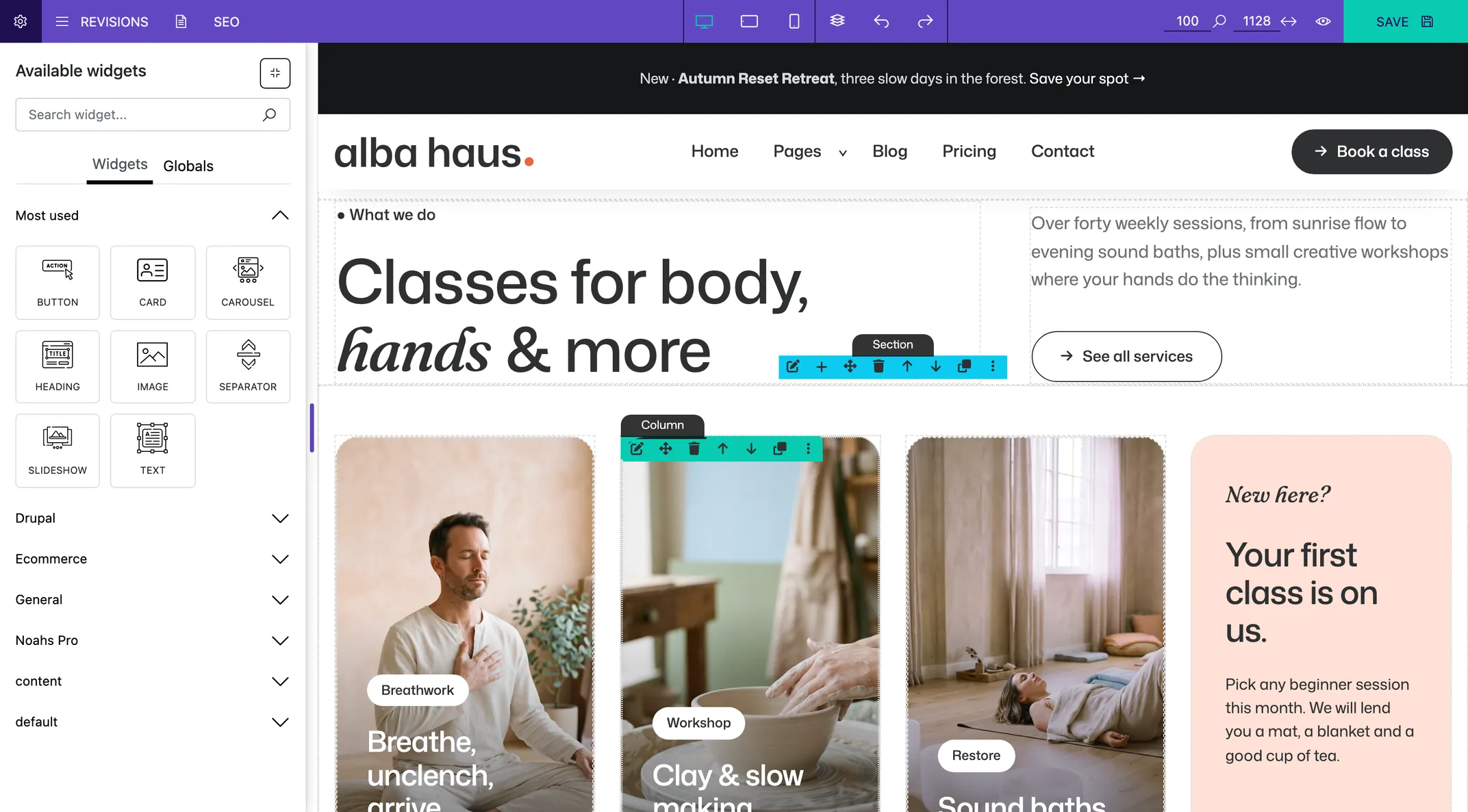 Noah's editor
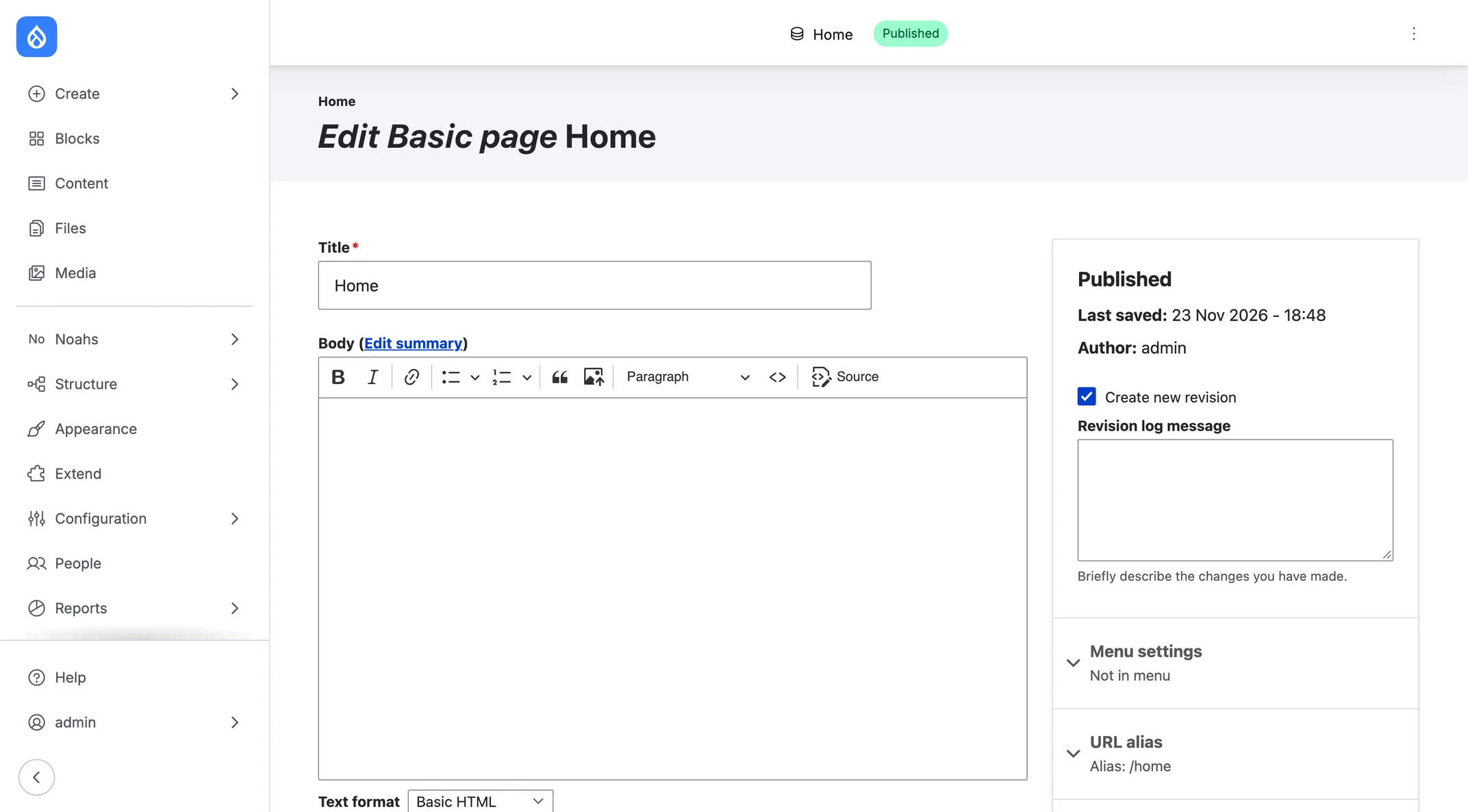 Drupal form
Built for Drupal. Not bolted on.
Start free. Grow with modules.
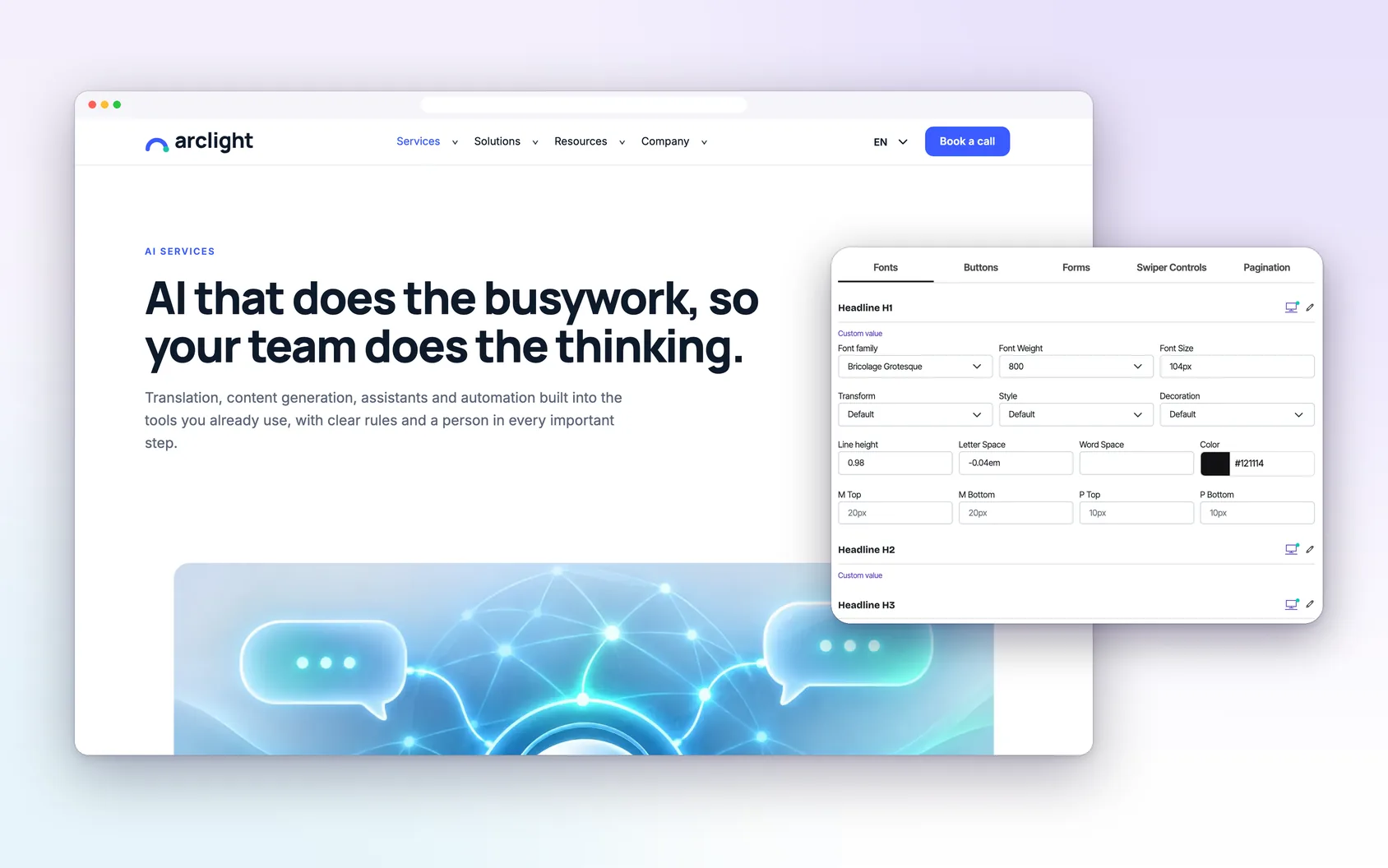
More control. Less time.
Theme builder: header, footer, templates
Templates for every entity and user page
Global widgets: edit once, update everywhere
Copy, paste and clone across pages
Entrance, scroll and hover animations
Drupal Commerce widgets: price, cart, checkout
34 extra PRO widgets
Support and updates during your licence
From install to first page in minutes.
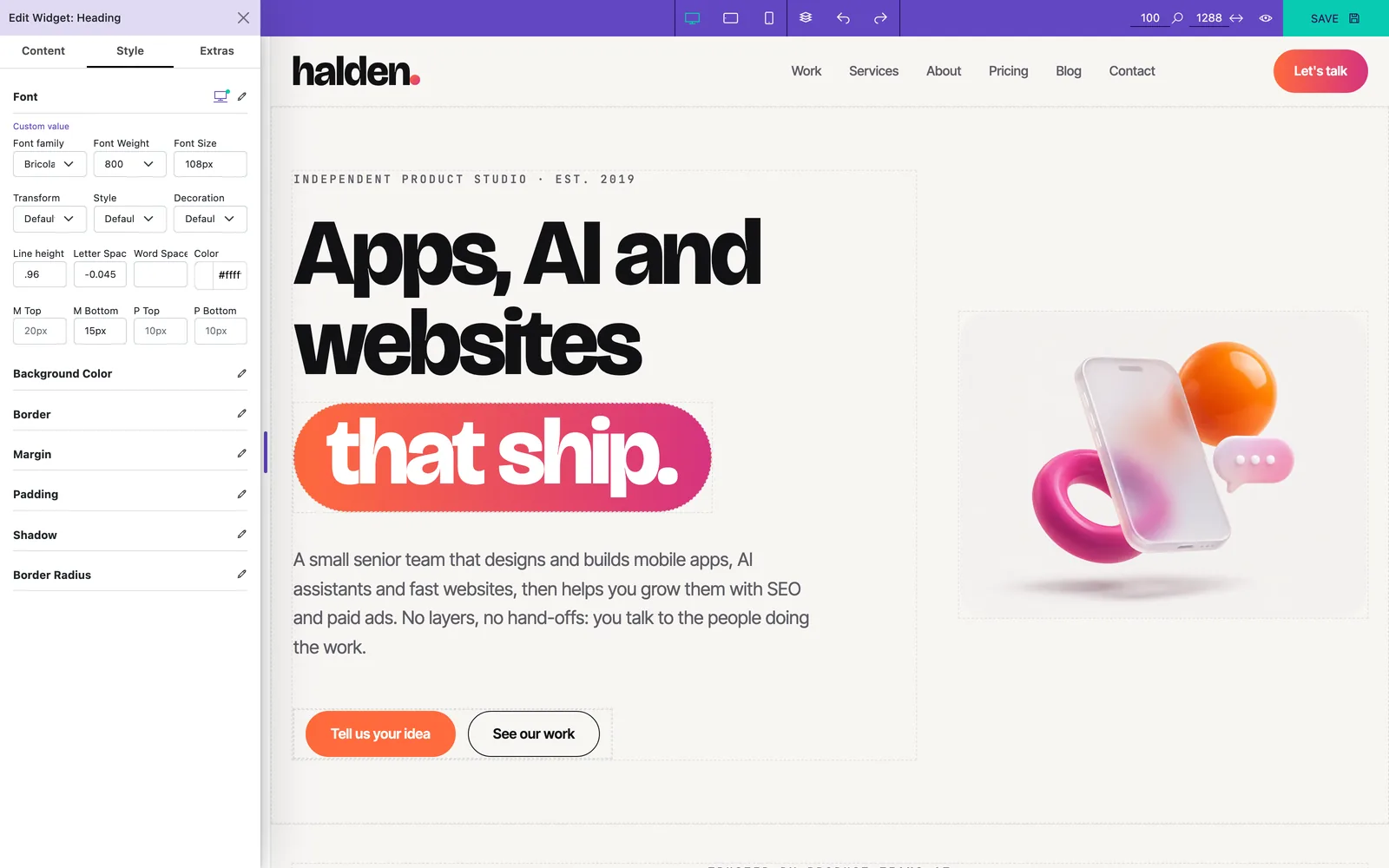
Get Noah's from drupal.org with Composer, or copy the module into your modules folder.
Turn it on like any module, then set fonts, colors, buttons and breakpoints once in Global styles.
Open any page with Noah's, drag in widgets and save. Your site stays a normal Drupal site.
A visual, drag-and-drop editor that lives inside Drupal. You build pages with widgets, see every change live and tune each screen size, while your content, fields and permissions stay standard Drupal. Read the full introduction.
Yes. Noah's Page Builder is free and open source on drupal.org. Noah's PRO and Popups PRO are optional paid add-ons, and they are what keeps the project maintained.
Like any Drupal module: with Composer (composer require drupal/noahs) or by copying it into your modules folder. Enable it, choose your content types and open a page with the editor. Installation guide.
The PRO widgets and tools (Theme builder, Display builder, templates, global widgets, motion effects, Commerce widgets and Popups PRO), plus updates and support for the period you choose: 3, 6 or 12 months. See pricing.
Drupal 10 and later. Install it with Composer like any other contributed module.
Your content types, fields, users, Views and permissions are standard Drupal and stay where they are. Only the visual layouts are built with Noah's.
Yes. Widgets and controls are Drupal plugins, so you can add your own from a module, as long as you do not redistribute Noah's code inside other modules for commercial gain. Create a widget.