
From install to your first page in four steps.
Install. Enable. Edit. Publish.
Download Noah's from drupal.org and install it like any other module, with Composer or manually. Noah's PRO goes in modules/custom.
Go to Noahs Settings (Structure › Noahs Page Builder) and choose the content types you want to design with Noah's.
Create a node of one of those content types and save it. A new tab appears next to Edit: Edit with Noahs.
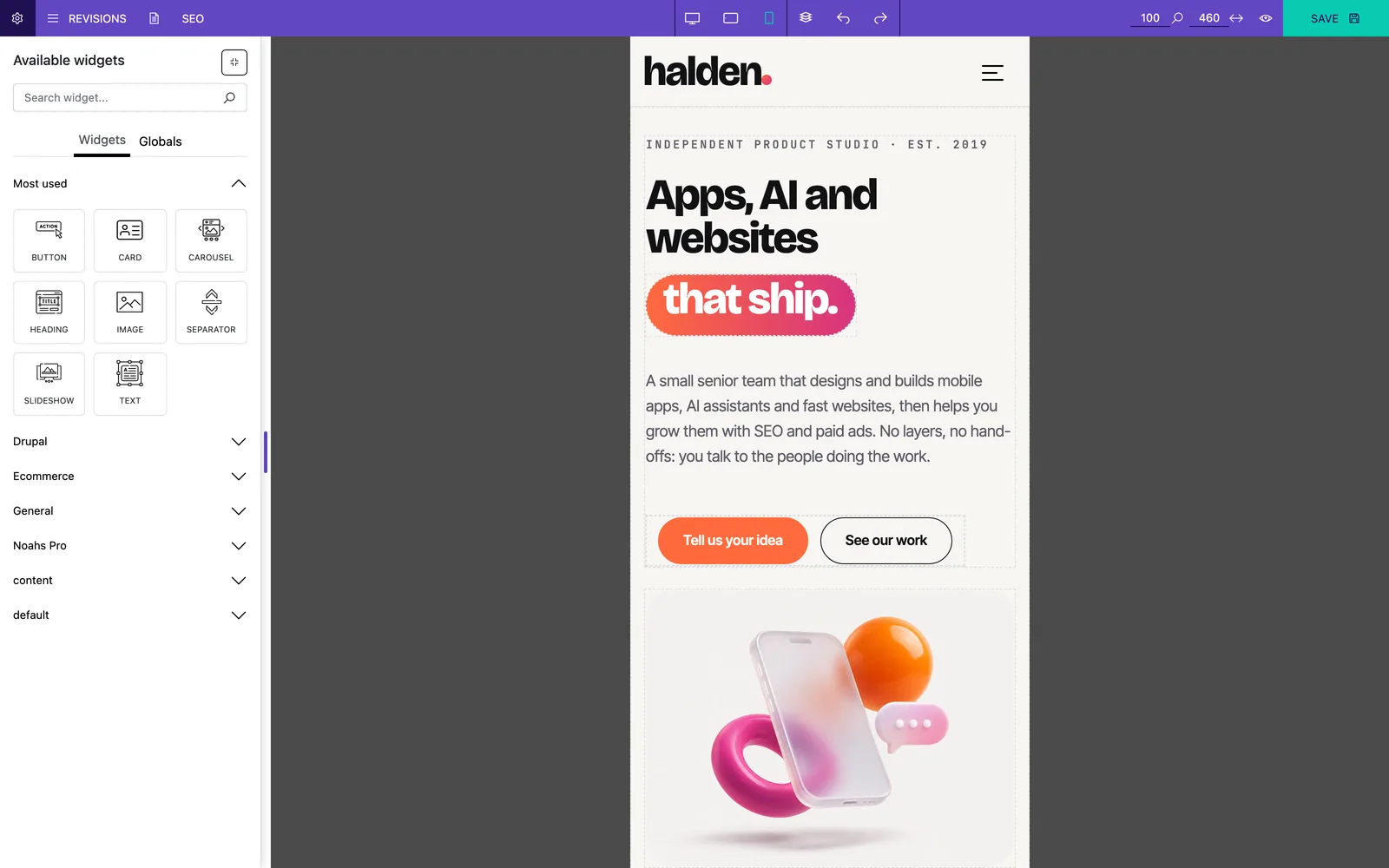
Drag sections, columns and widgets, tune each screen size in the live preview and save. Your page is live.
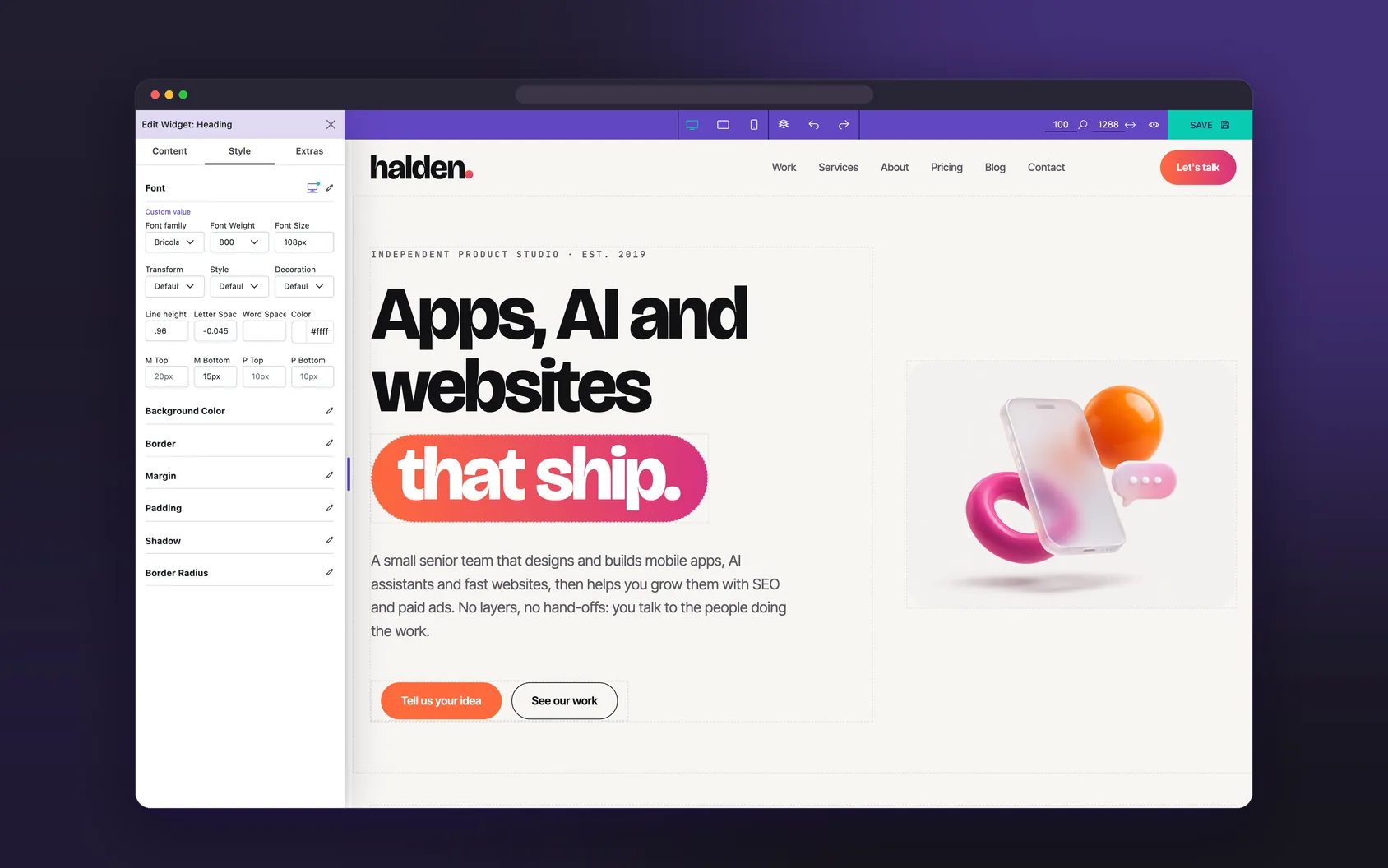
What you get on day one.
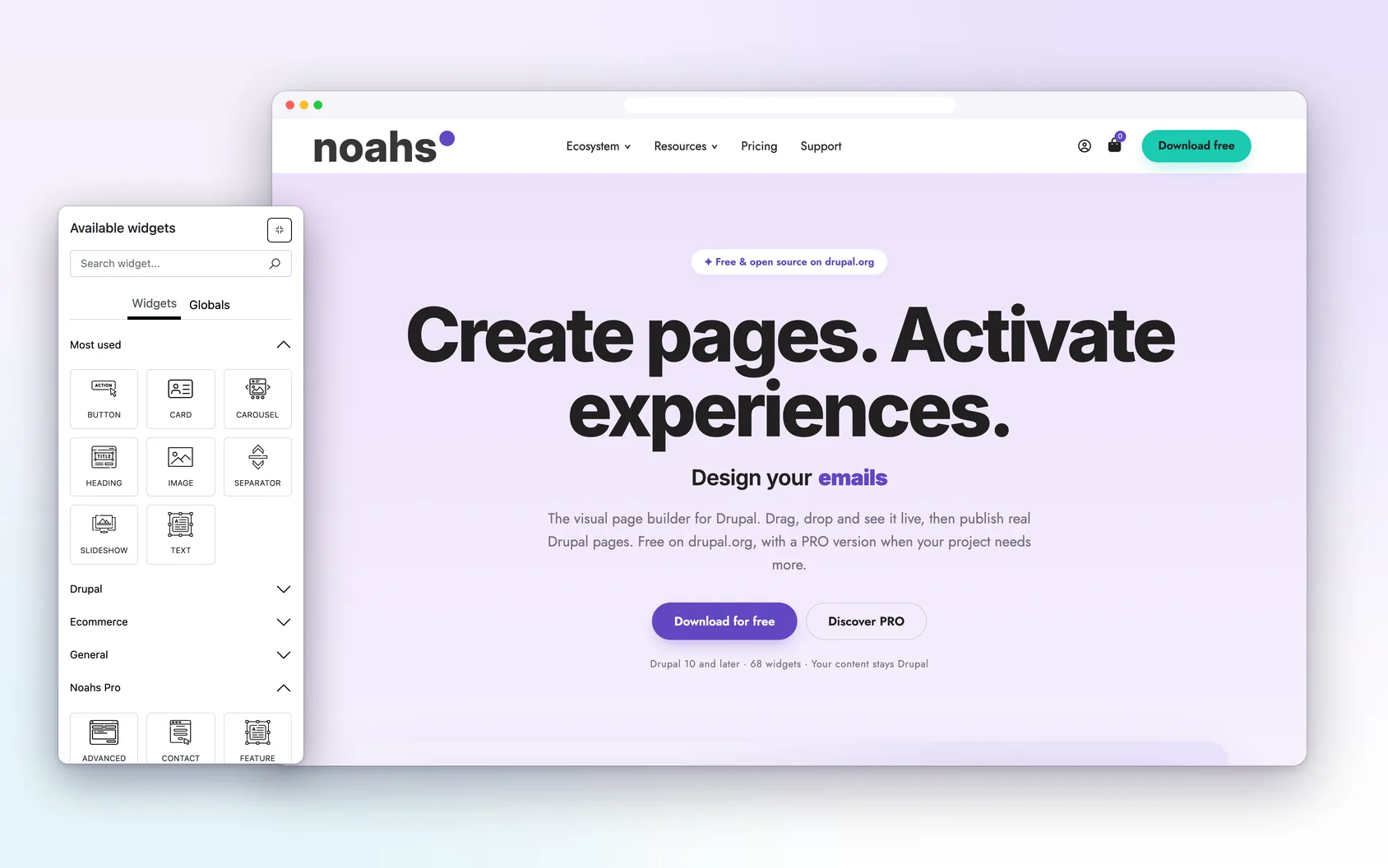
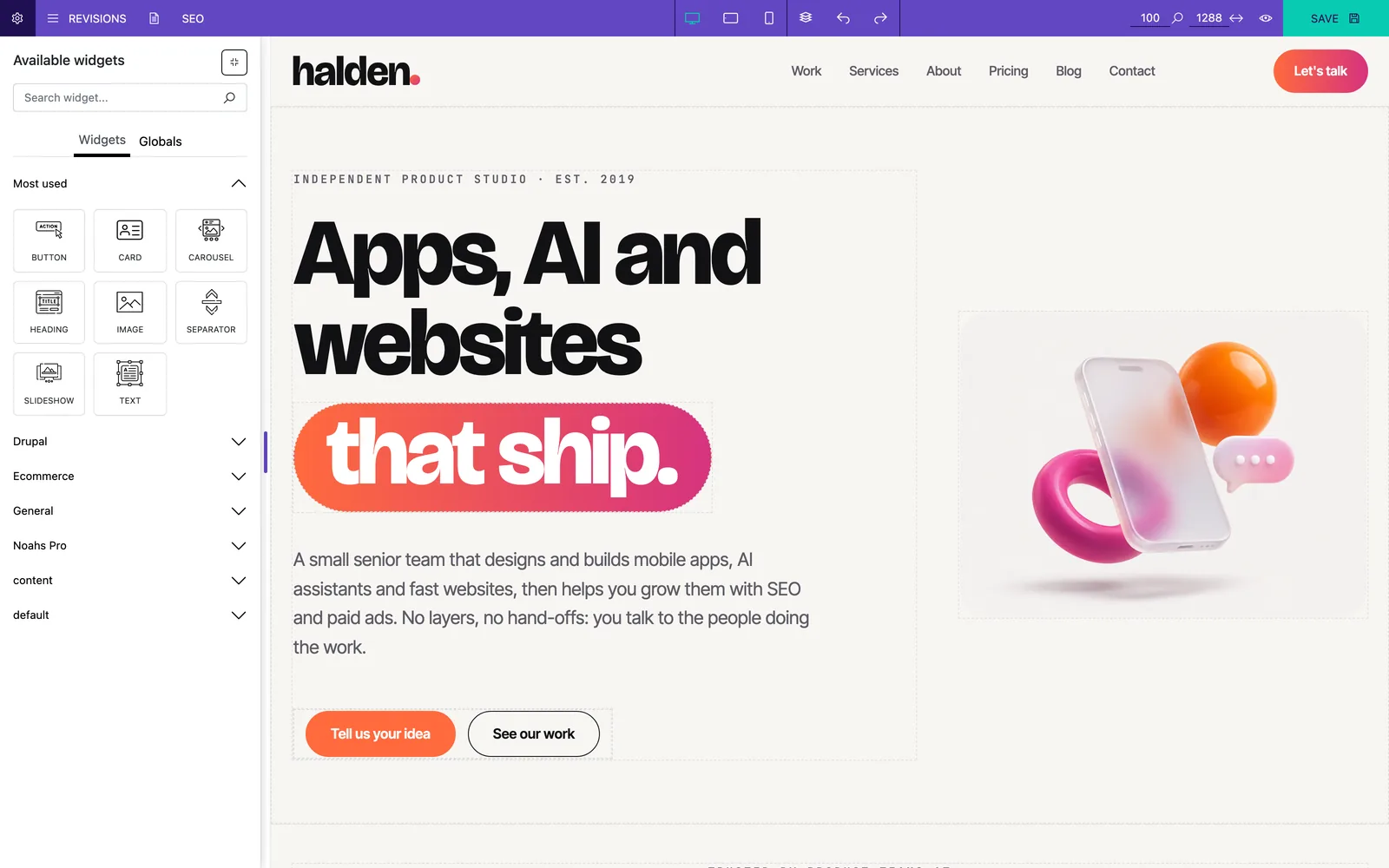
Search, drag and drop. Your most used widgets on top, Drupal and Commerce widgets one click away.
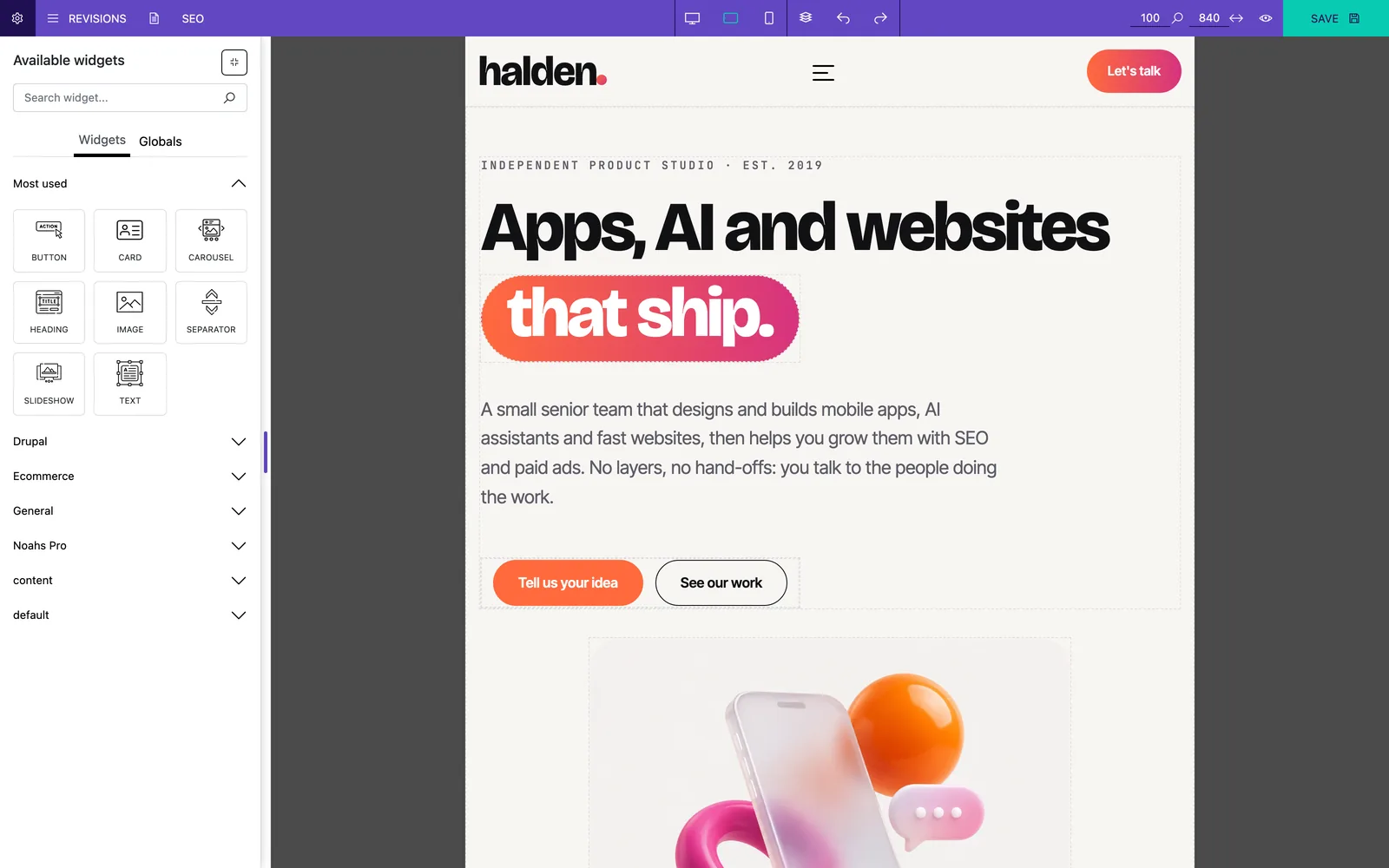
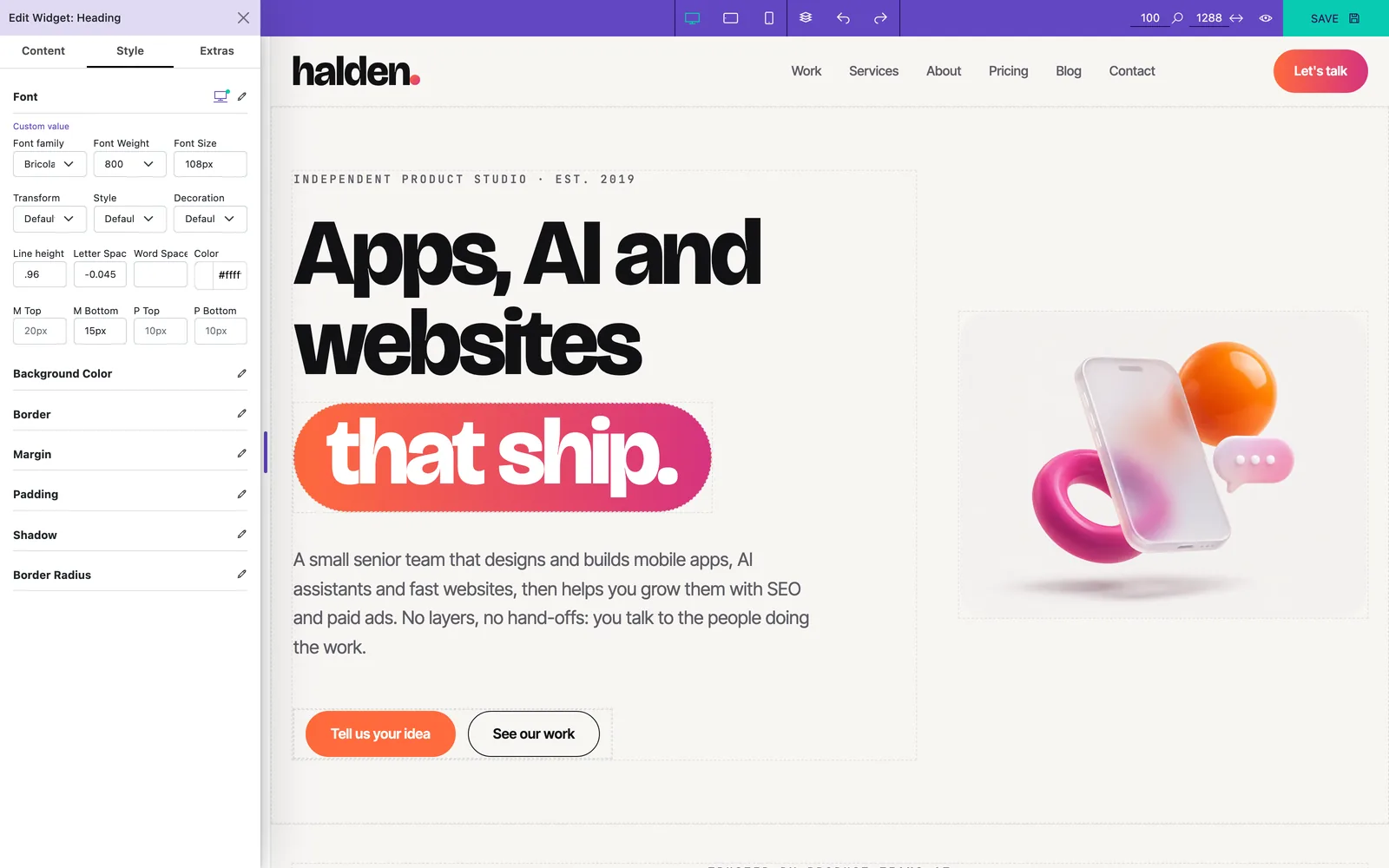
What you see is the page your visitors get, on desktop, tablet and mobile.
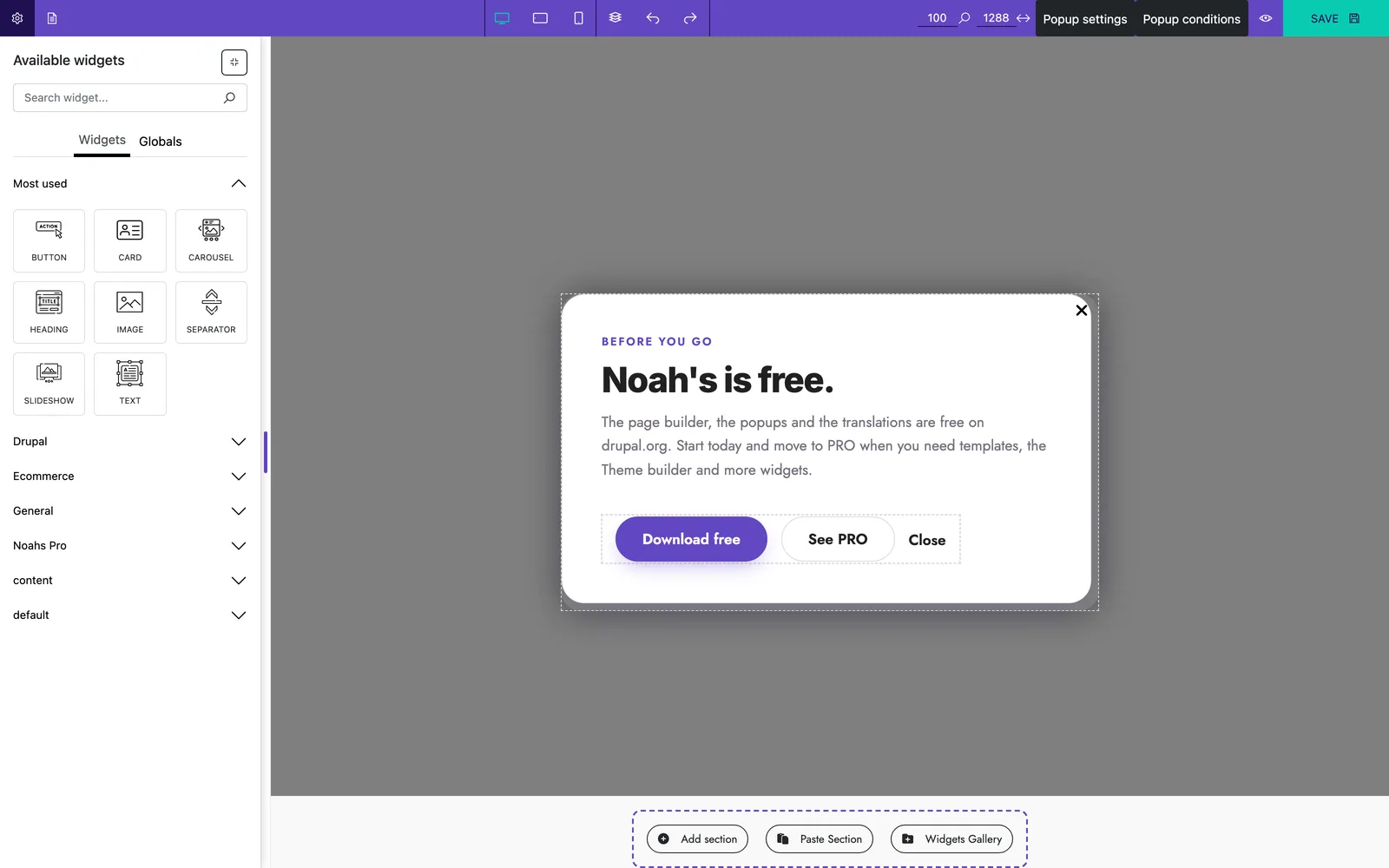
Design popups with the same widgets and controls, then choose when they open.
Using your own theme?
{% if noahs_node_html %}
  {{ noahs_node_html | raw }}
{% else %}
  {{ page.content }}
{% endif %}Everything else is in the docs.
Your first page is four steps away.
Getting started, explained.
No. Noah's installs like any other Drupal module. Turn it on for the content types you want and design with drag and drop: no code, no new CMS.
With Composer (composer require drupal/noahs) or manually, then enable it like any module. Installation guide.
In Structure › Noahs Page Builder › Settings: tick the content types you want to design with Noah's.
Create a node of one of those content types and save it. A new tab appears next to Edit: Edit with Noahs.
No. Noah's comes with Noahs Builder Theme, ready to go. With your own theme, print the designs in page.html.twig with noahs_node_html. See how.
Switch the preview to tablet or mobile in the editor. What you see is the page your visitors get, and each style can be tuned per screen size.