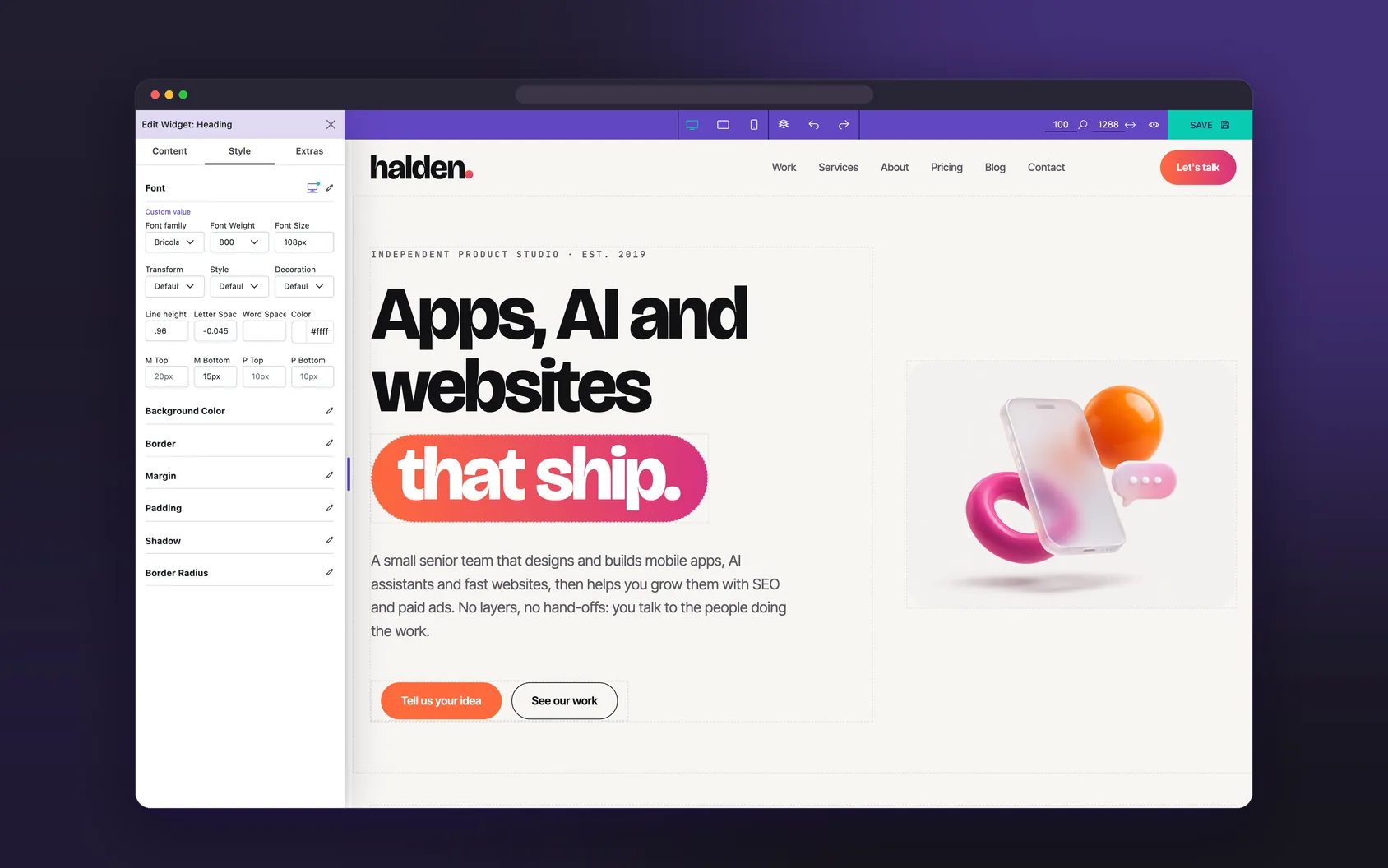
Your ideas. The words you need.
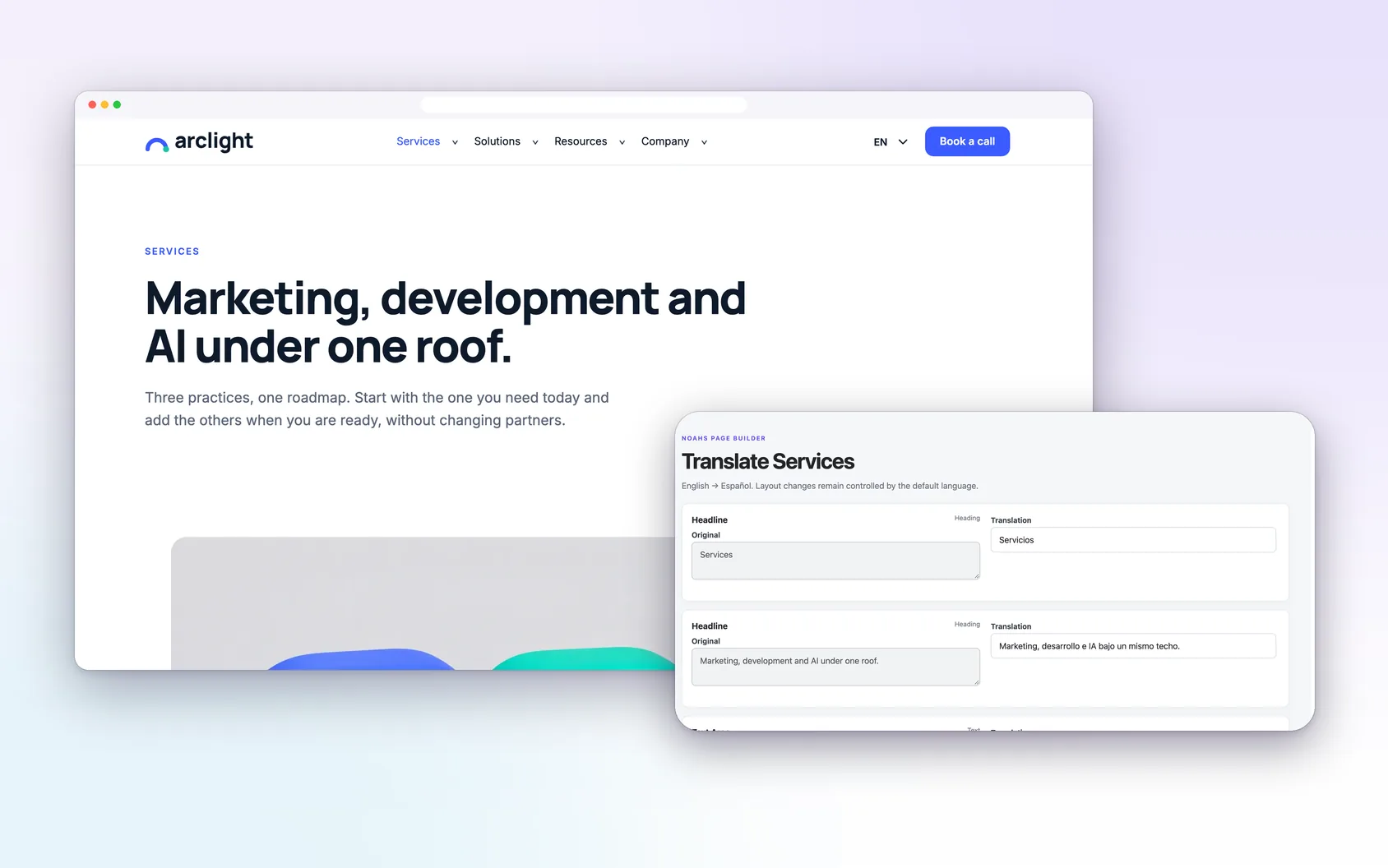
A little help with writing. You have the final say.
Our module helps people that use Drupal to make pages more easy and in less time, and it has a lot of widgets for doing it.
Build Drupal pages faster and with less effort. Noah's lets you design them visually, widget by widget.
Three jobs. One editor.
Explain what you need and get a first proposal for titles, descriptions and page texts.
Shorten a text, change its tone or ask for a clearer version until the words fit.
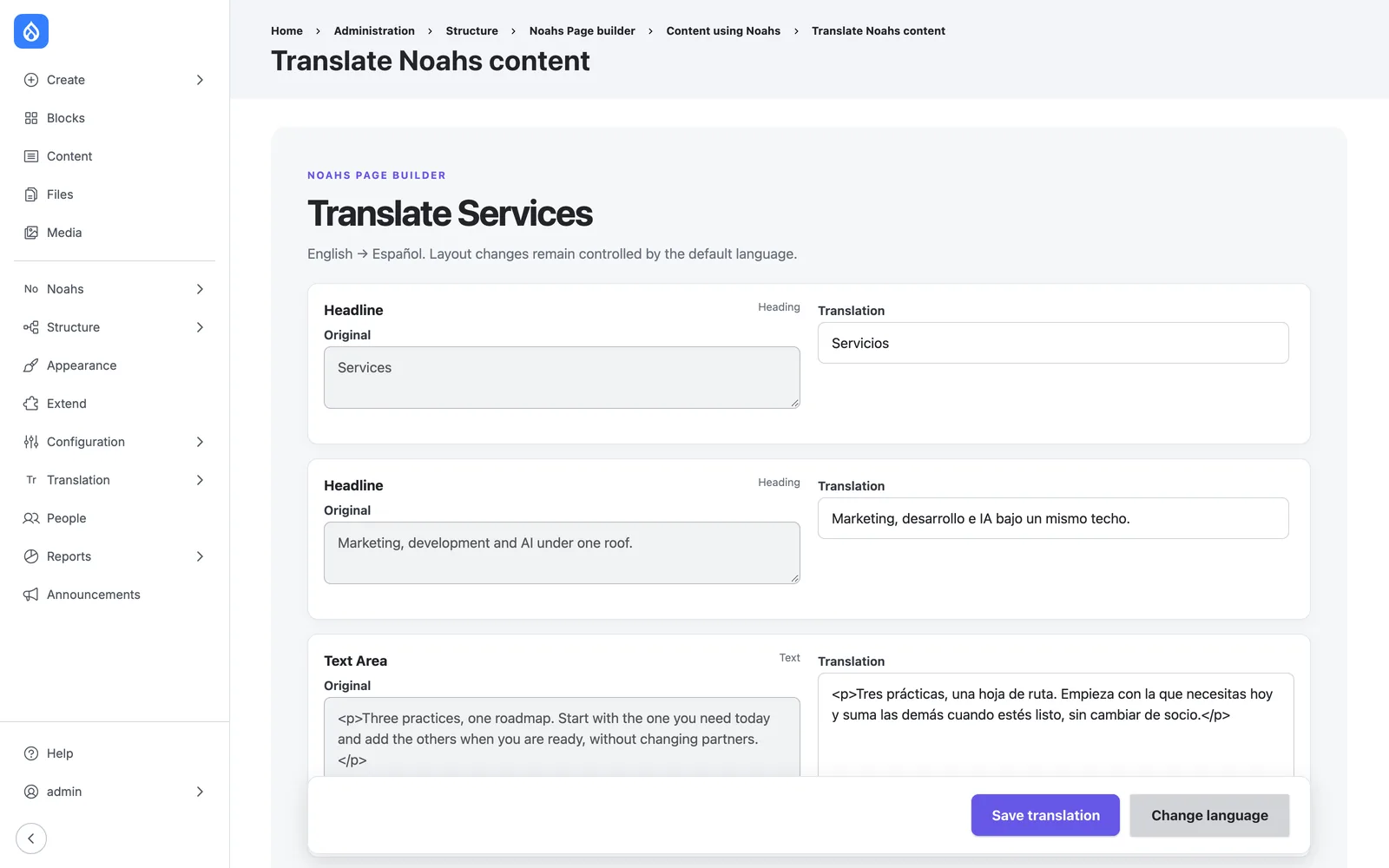
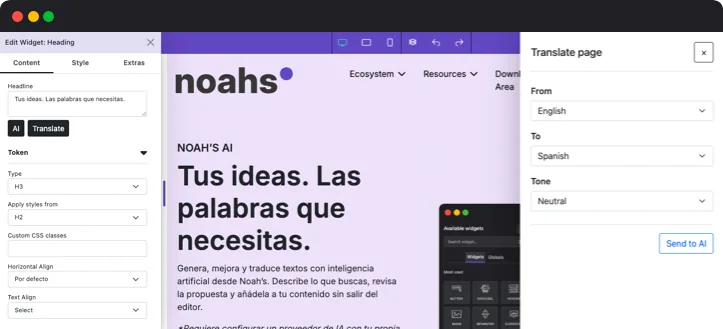
Complete your translations with AI assistance and review them before saving.
Existing translations stay untouched unless you decide to replace them. Every language keeps the same design.
No copy and paste between tabs: the proposal lands where you are working.
From idea to published text in four steps.
Set up your AI provider in Drupal with your own API key.
A title, a description, a shorter version, a different tone.
Ask for another version until the words fit.
Add the text to your design and publish when you are ready.
Write a first draft of titles, descriptions and page texts, shorten a paragraph, change its tone and help you translate, right inside Noah's editor.
Yes. Noah's AI works with the AI provider you configure in Drupal, using your own API key. You choose the provider and keep control of its costs.
No. Every proposal is a suggestion: you review it, edit it or discard it, and you decide when to save and publish.
It helps you complete translations and you review them before saving. Existing translations stay untouched unless you decide to replace them, and every language keeps the same design. How translations work.
No. You ask for what you need in the editor and the proposal lands where you are working.
From its project page on drupal.org. Install it like any module, then connect your AI provider.
Less blank page. More publishing.