
Six complete sites. Take them apart.
Code, database and files in one package, or a Composer version if you prefer to install the modules yourself.
A guide that shows where each part is edited: pages, header, footer, templates and popups.
Example pages, posts, products and menus, so you can try every feature from minute one.
Pick a demo and take it apart
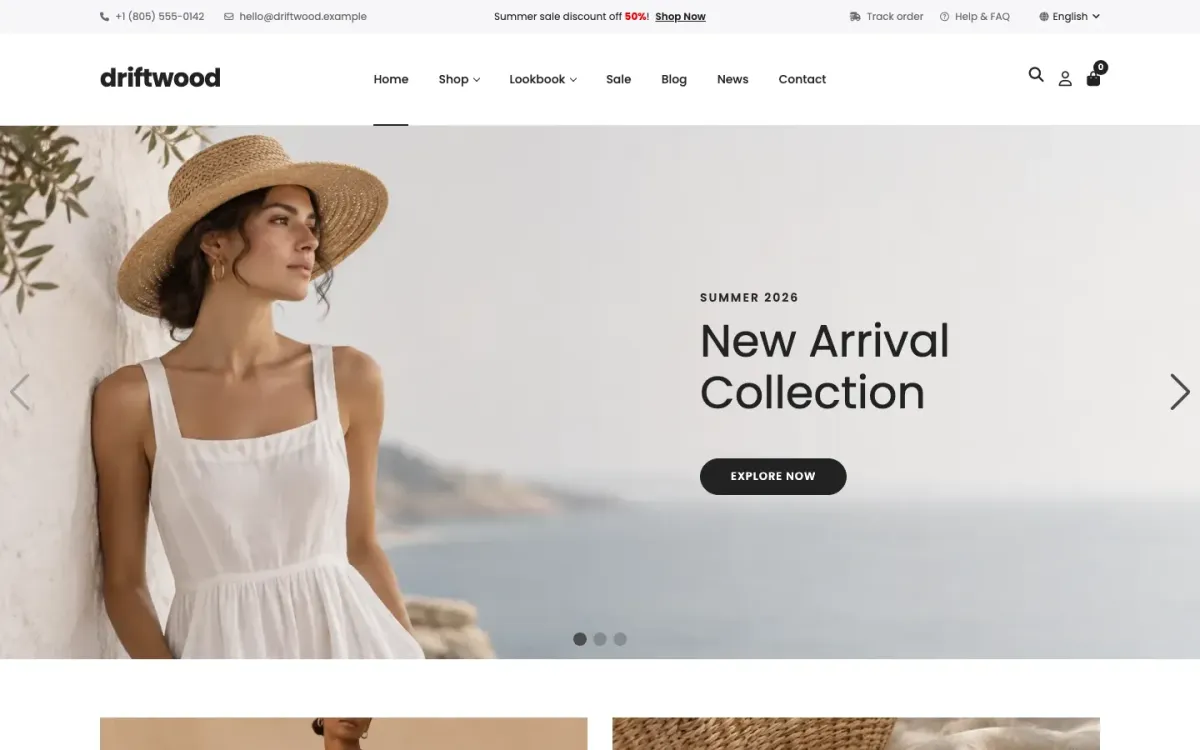
A fashion and accessories shop built with the free modules only: a Drupal Commerce shop, blog, news, mega menu and popups.
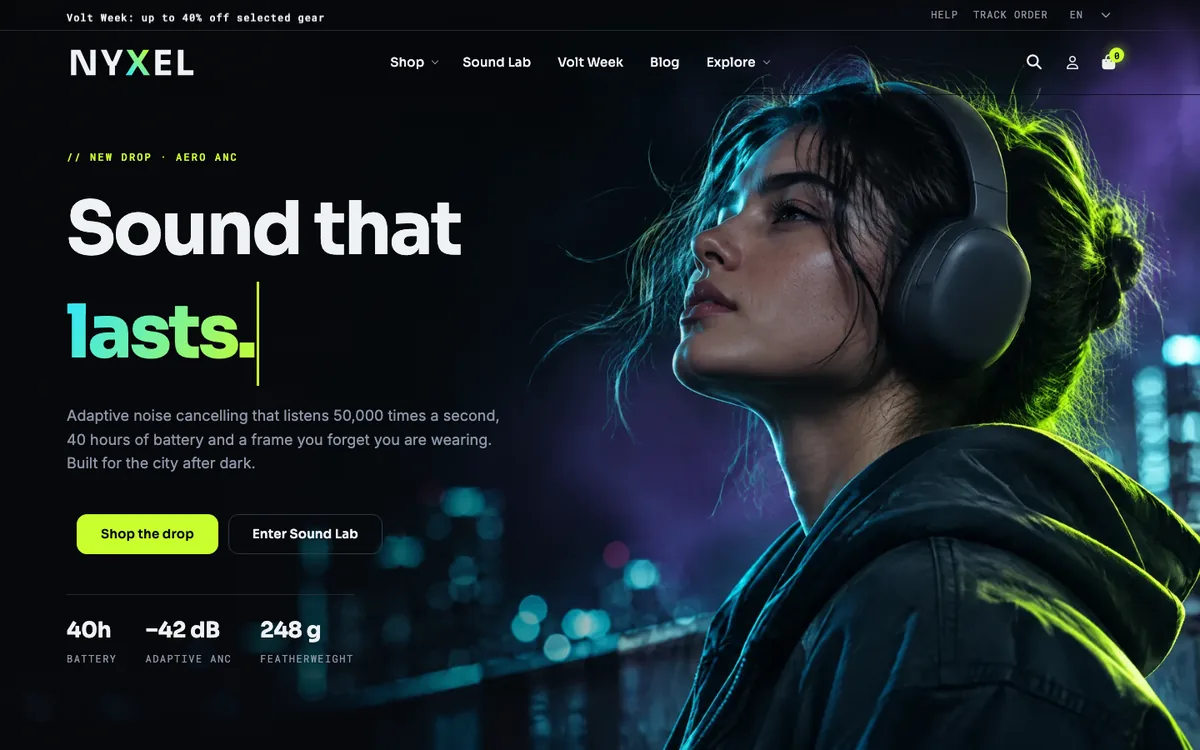
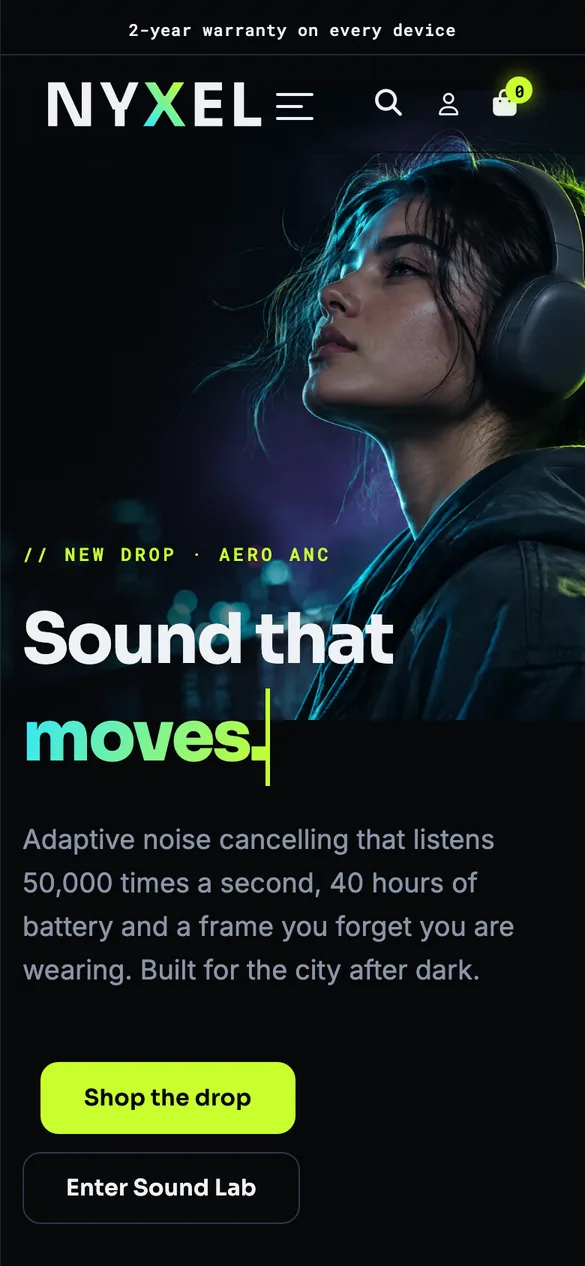
A dark, neon gadget store: header and footer made with the Theme builder, product templates, checkout and campaign popups.
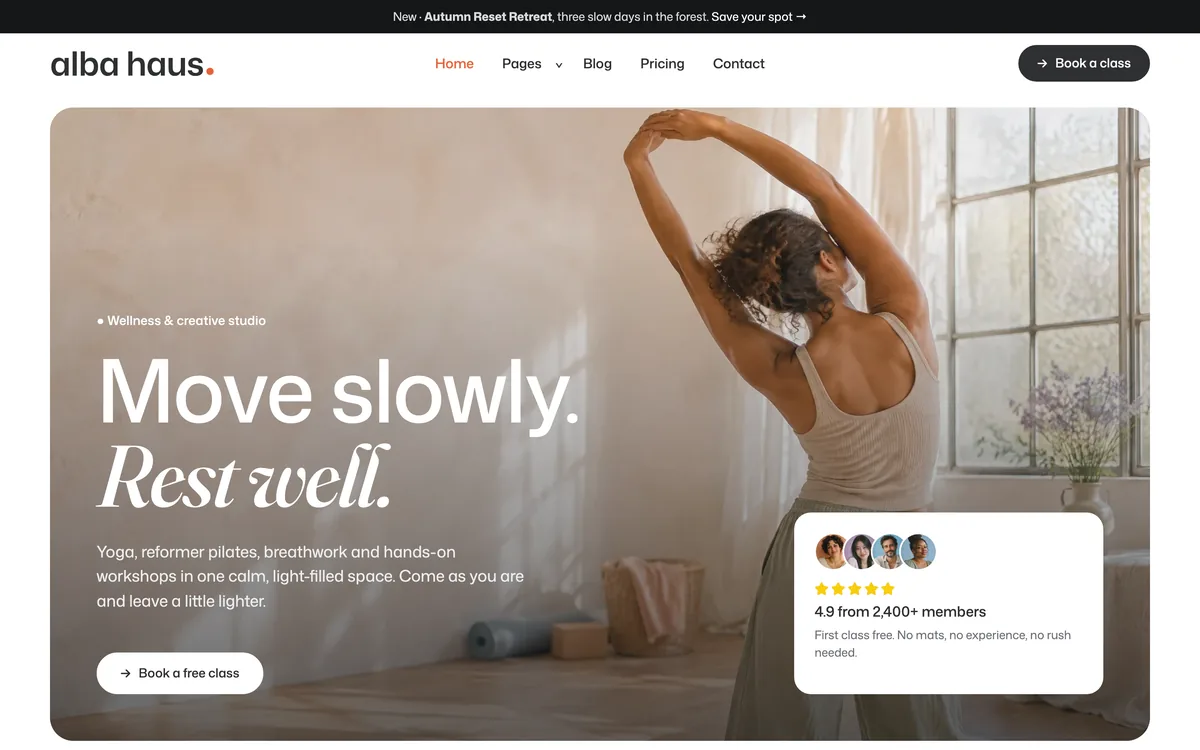
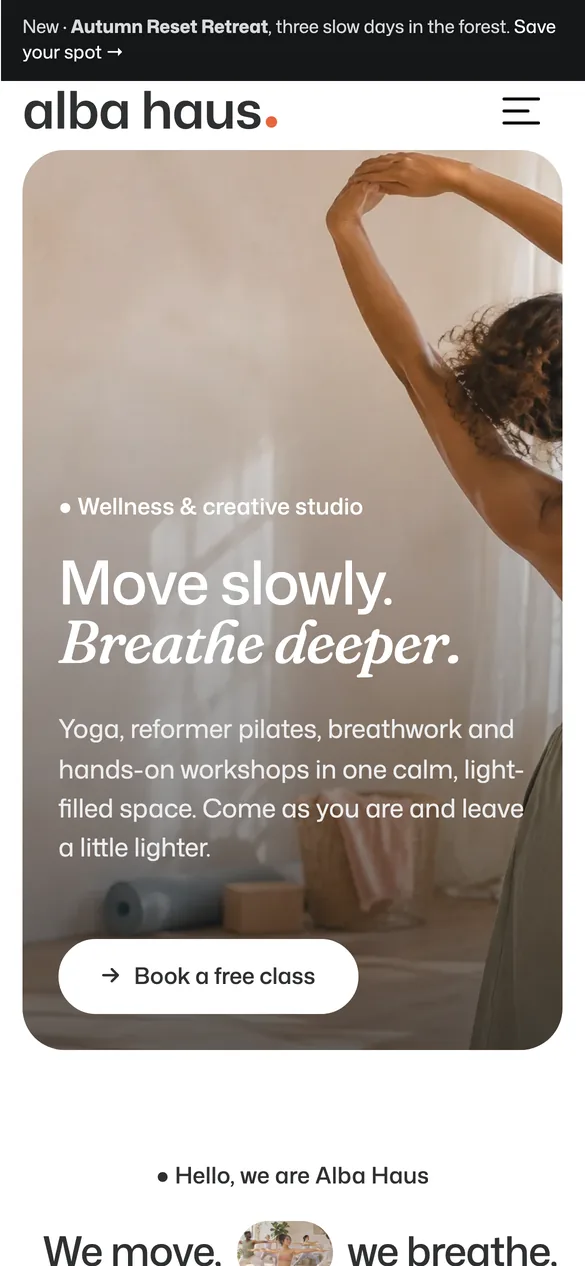
A calm site for a yoga, pilates and workshop studio, made with Noah's PRO templates and widgets and no custom CSS.
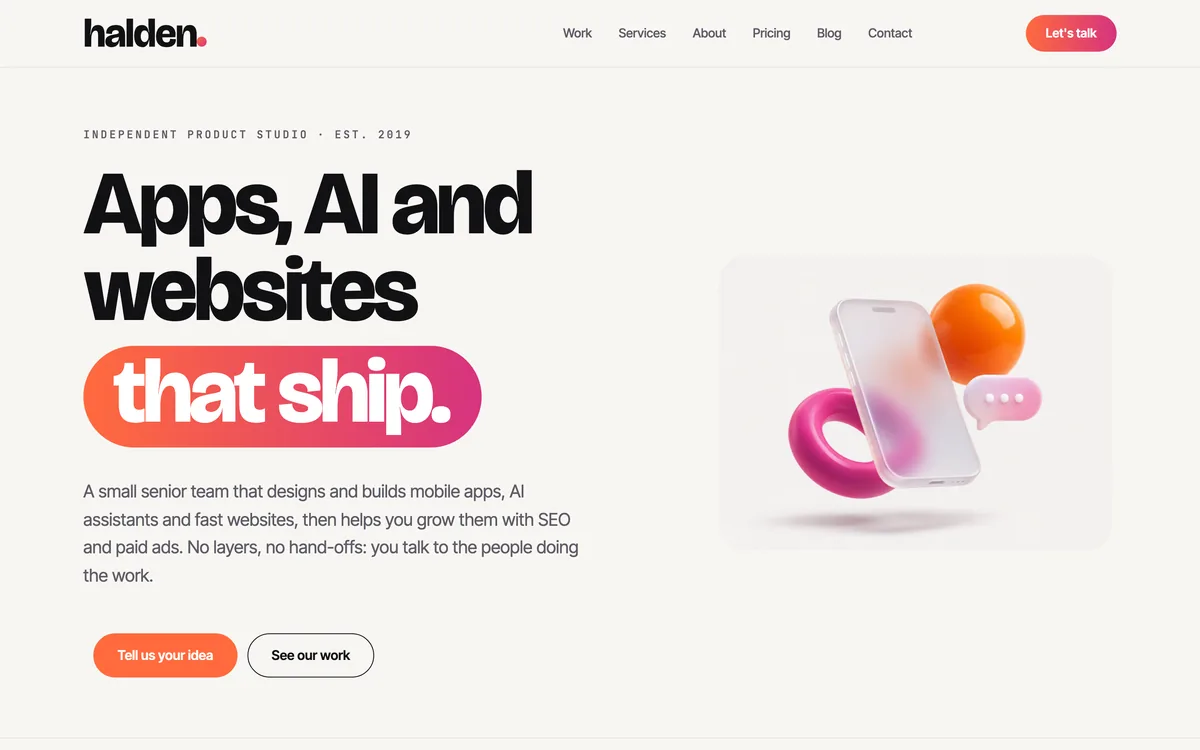

A studio portfolio that shows off scroll effects: entrance animations, parallax, cascades and hero scenes.
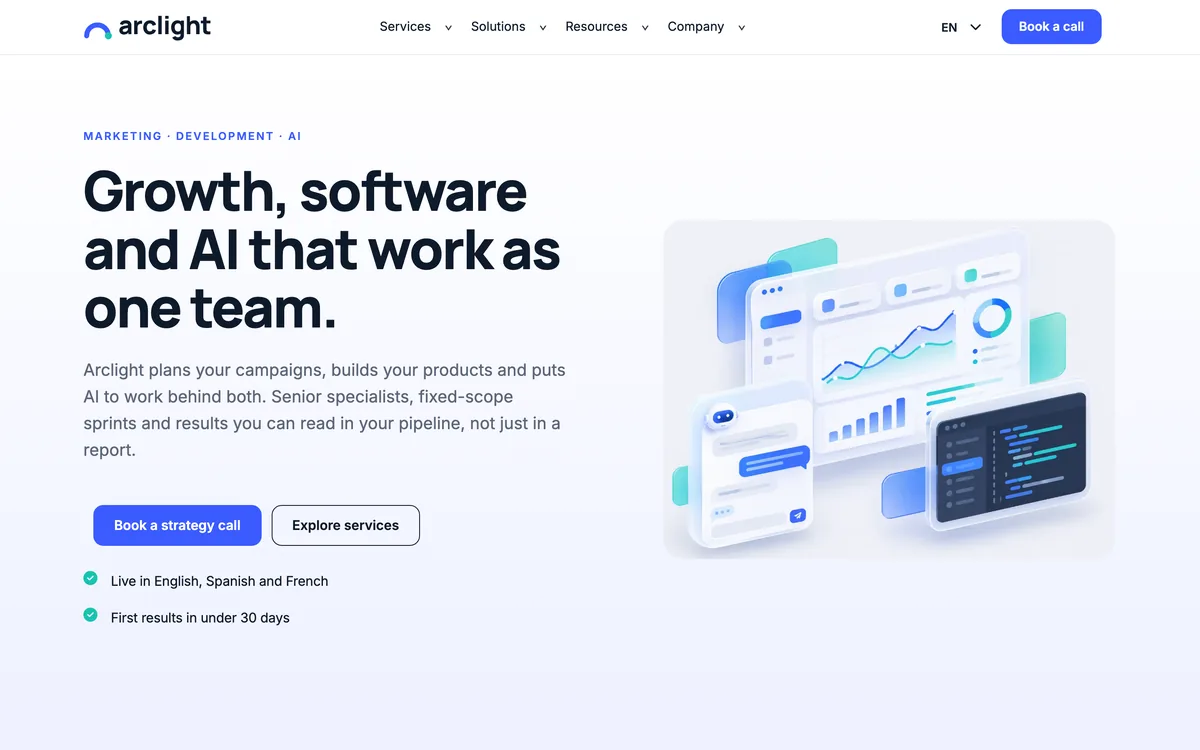
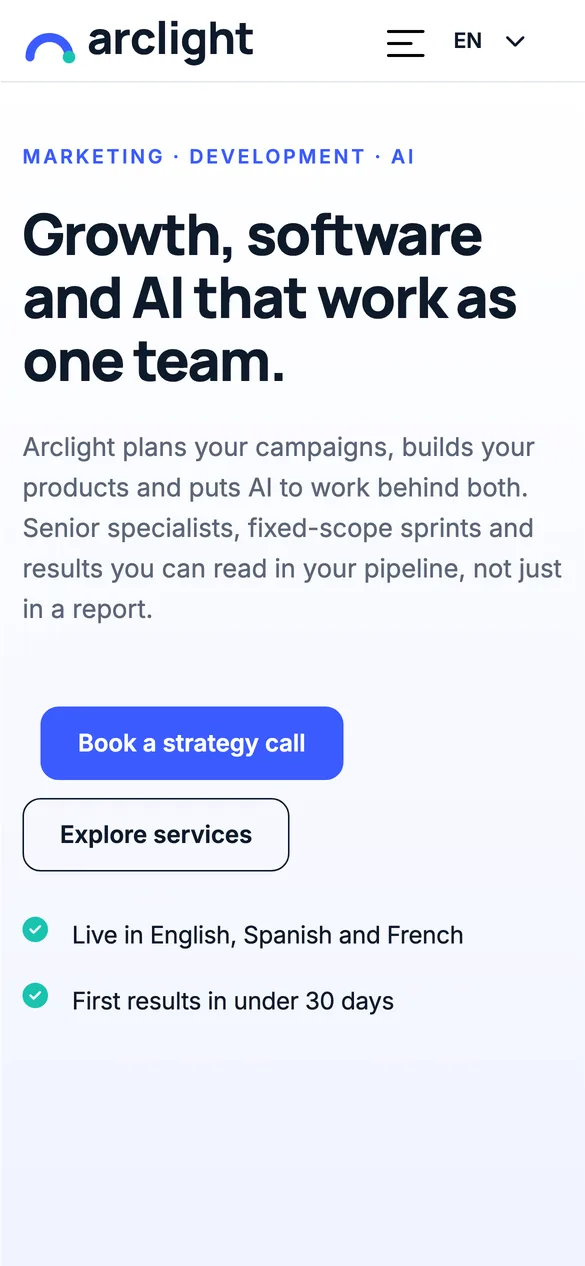
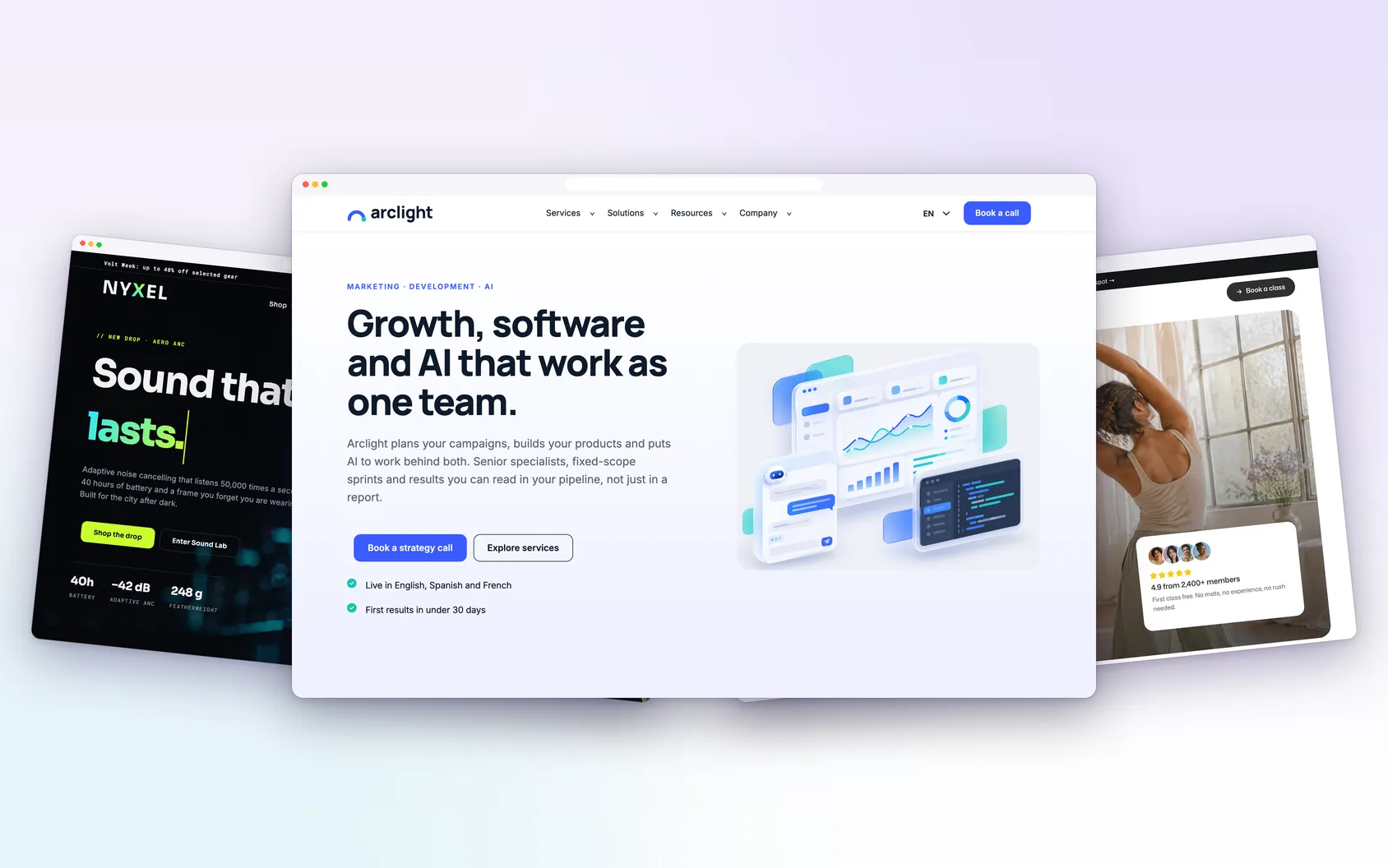
A multilingual agency site in English, Spanish and French, ready to work with Noah's AI.
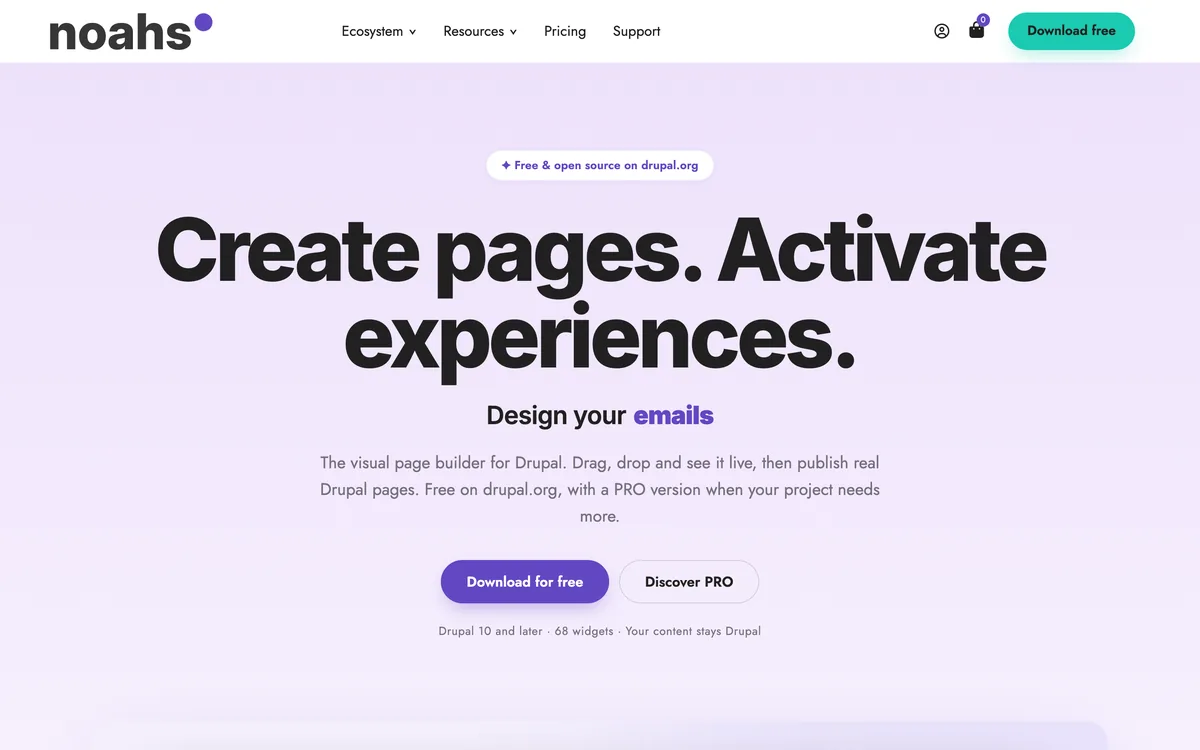
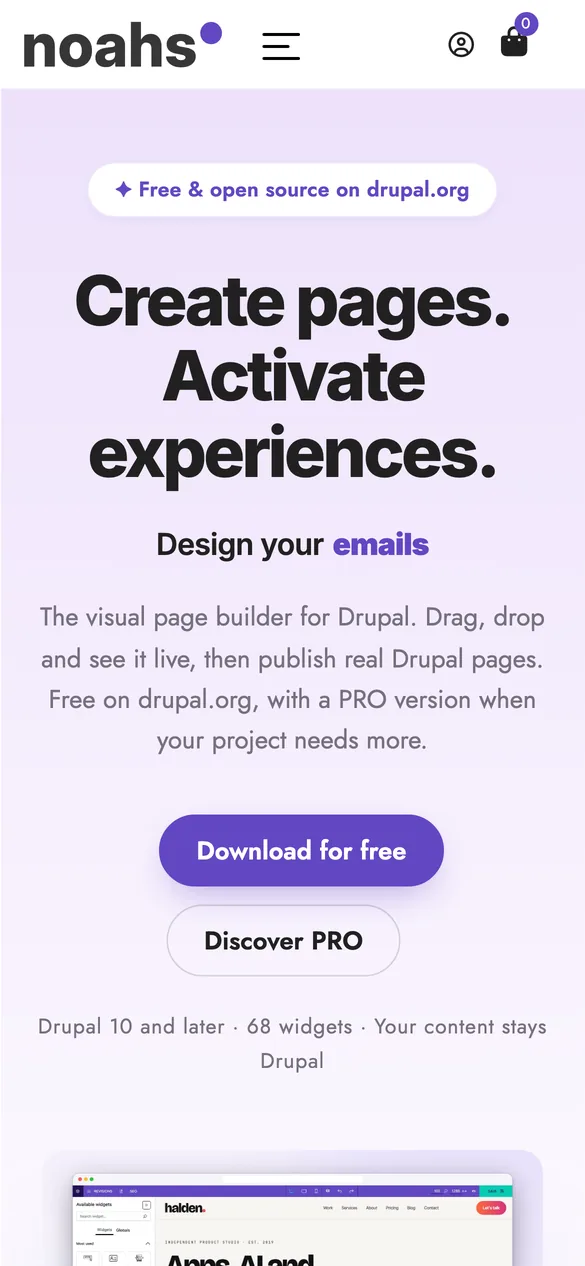
The official site of Noah's Page Builder: PRO licences with Drupal Commerce, documentation, a widget library and a blog.
Noah's Page Builder and Noah's Popups, both free and open source. Download the demo and install it like any Drupal site.
Theme builder, Display builder, Commerce widgets and PRO popups. Members download PRO demos, with every PRO release, from the download area.
The whole site (code, database and files) in one package, or a Composer version if you prefer to install the modules yourself, plus example pages, posts, products and menus.
Yes. Each one includes a step-by-step tutorial that shows where each part is edited: pages, header, footer, templates and popups.
Free demos only use the free modules from drupal.org: Noah's Page Builder and Noah's Popups. PRO demos also use Noah's PRO and Noah's Popups PRO.
From the download area, logged in with your PRO account, while your licence is active.
Yes. Every page, header, footer and template is built with Noah's widgets on a standard Drupal site, so you can open the editor and see how each part is made.